Help · For wedding businesses · Getting started
The Veil Vendors, the phone app
A tour of the app for wedding businesses: Today, Leads, Messages, Calendar and More, and what opens the portal instead.
The Veil Vendors is the phone app for wedding businesses: your leads, messages, calendar, holds and day sheets, with a notification the moment a lead comes in. It's free with every plan, for iPhone and Android, and it signs in with your portal email and password. Couples and guests use a different app, The Veil.
Find it at theveilwedding.com/vendors-app. If it isn't in your app store yet, add the portal to your Home Screen instead; see Notifications.
The five tabs
The tabs along the bottom are Today, Leads, Messages, Calendar and More. The ? at the top right of each screen opens help for that screen.
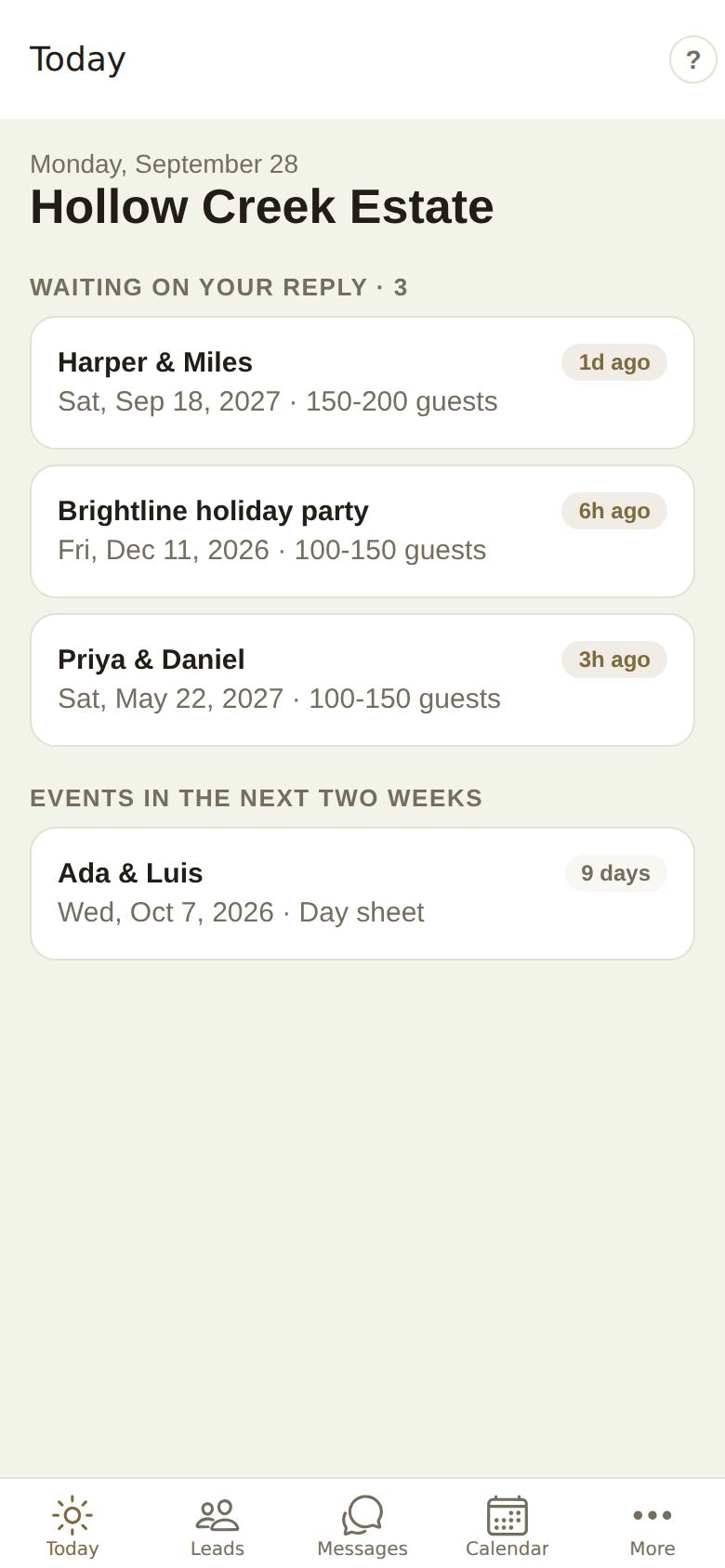
- Today: who's waiting on your reply, today's tours and calls, events in the next two weeks and holds running out. See The Today tab.
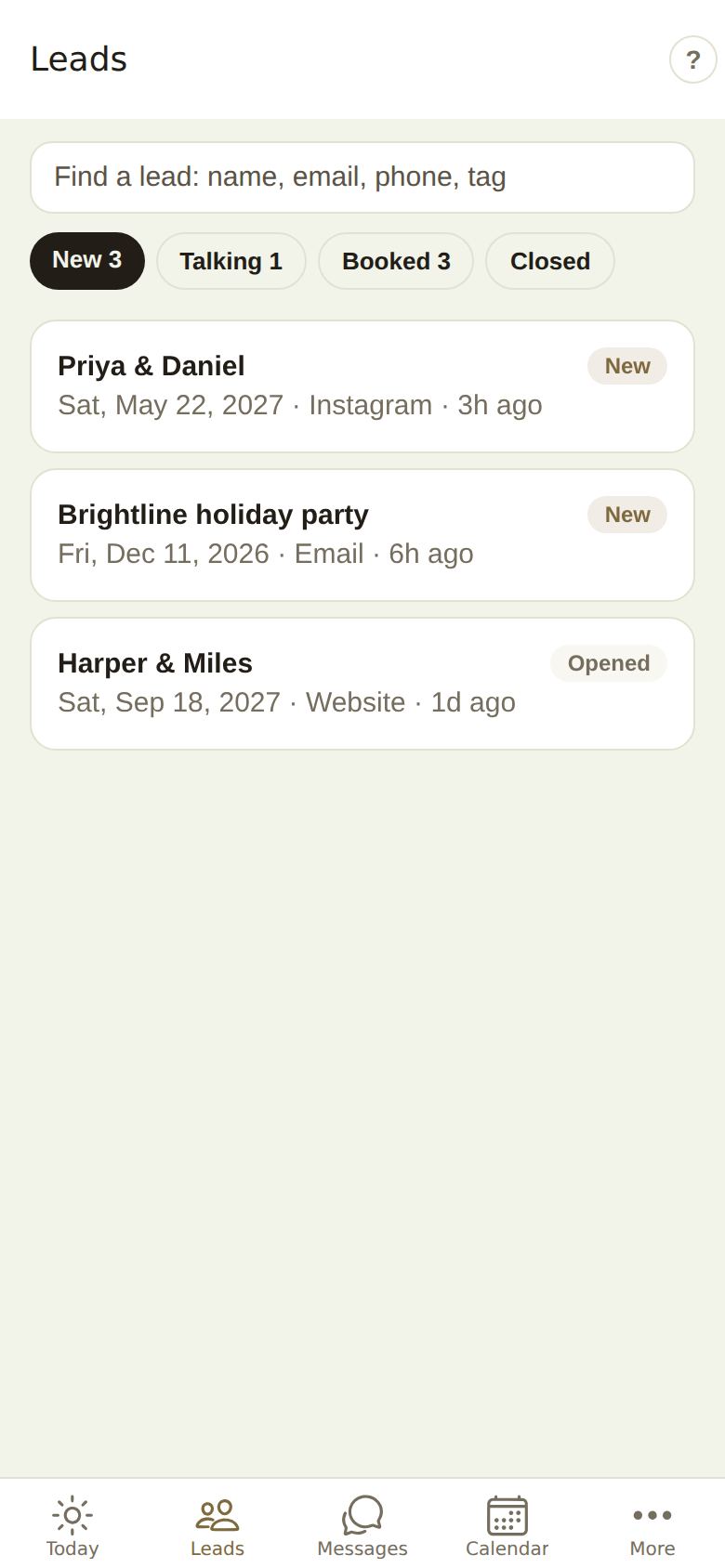
- Leads: search by name, email, phone or tag, and switch between New, Talking, Booked and Closed. Open a lead to reply now or later, call, text or email, hold a date, record a check, send a quick invoice or mark a delivery done. See Your leads.
- Messages: every conversation. See Reply fast.
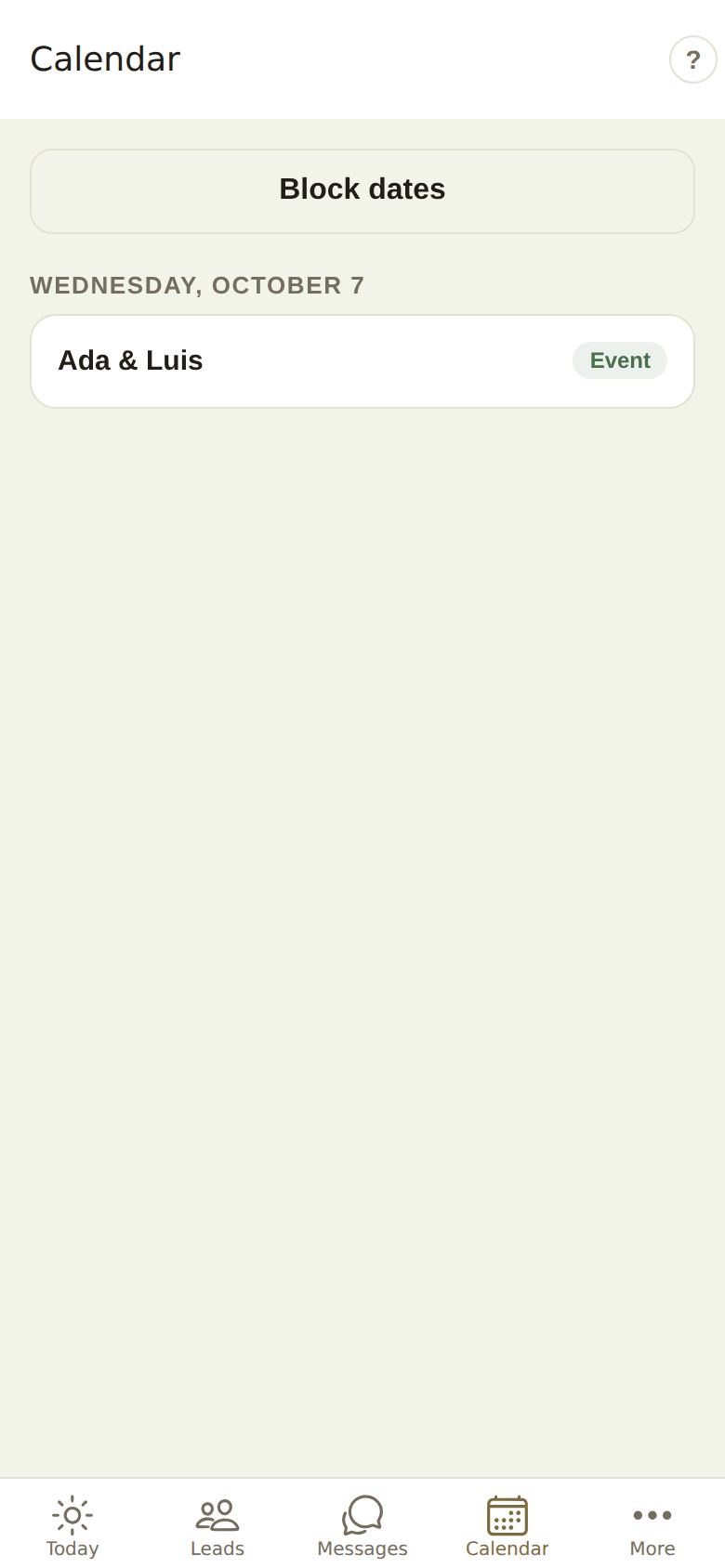
- Calendar: what's coming up, day by day, with Block dates at the top. Move or cancel a tour from it. See Availability and blocking.
- More: your locations, Block dates and Away, your business pages, help and your account. See The More tab.
On the wedding day
Events in the next two weeks open the Day sheet: the timeline, your team and the other vendors. Venues and planners can Run the day: start each moment, run late gracefully, check guests in, and tell everyone. See Run the day.
What opens the portal
Some things are fuller on a bigger screen, so the app opens the portal page for them, inside the app and already signed in: availability and rooms, billing and money, your storefront, team, settings, and the switch kit. Quotes, contracts and the itemized invoice open the same way.
Plans are chosen on the web, at theveilwedding.com/business. The app shows which plan you're on but doesn't sell or change plans.
Notifications
After you sign in, the app asks once to send notifications. Allow it to hear about new leads and messages the moment they arrive. Tapping a notification opens what it's about: the lead, the conversation, your support request, or the day you're running. Signing out forgets this phone, so the next person to sign in here isn't sent your leads.
Good to know
- The app follows your phone's light or dark setting.
- Everything you do in the app is the same data as the portal. A reply sent from your phone shows in the portal straight away.
- On a team, each person signs in with their own login and sees what their role allows.
Did this answer it?
Updated September 30, 2026