Help · For wedding businesses · The phone app
The More tab in the app
Switch location, block dates, turn on Away, open your business pages, get help, sign out or delete your account.
More is everything that isn't a daily list.
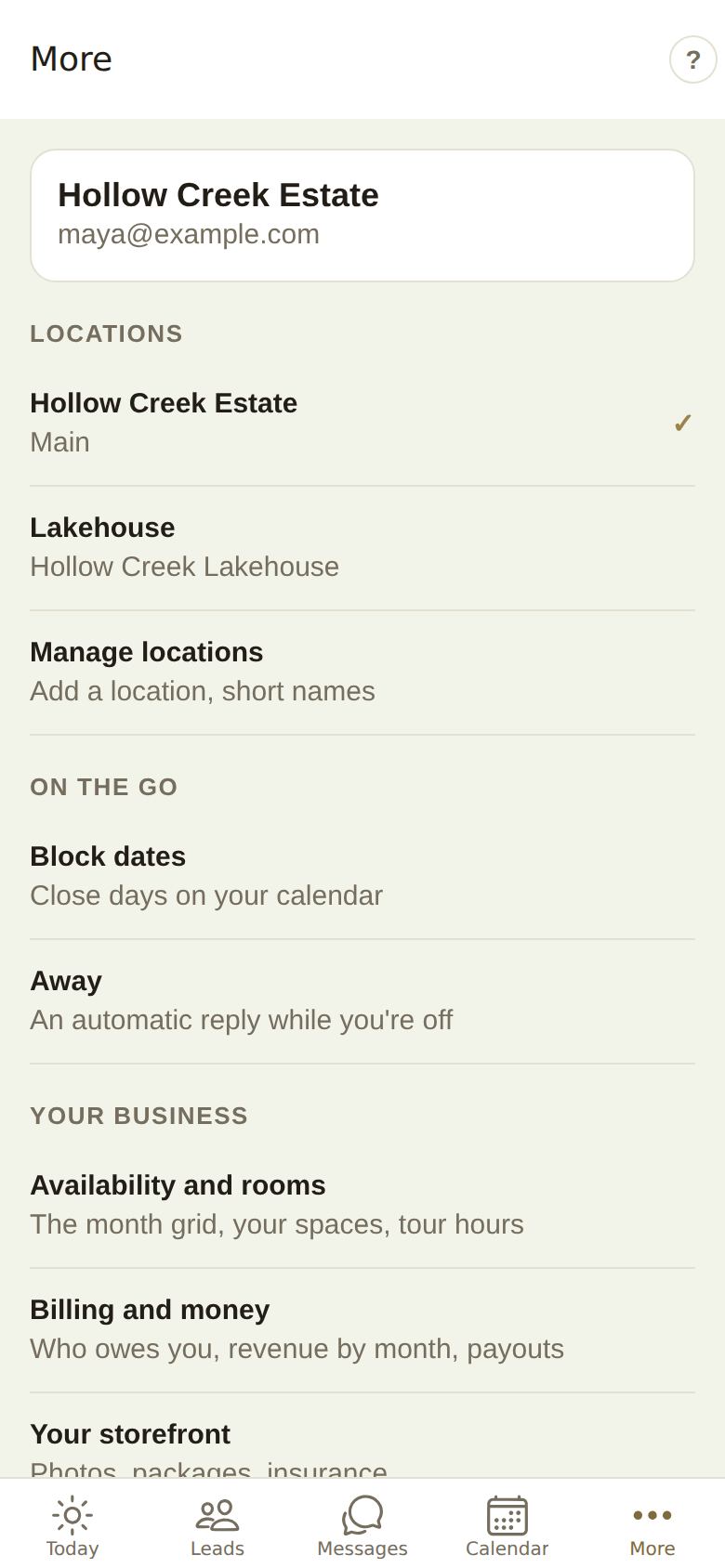
Your business and login
At the top: your business name and the email you're signed in with.
Locations
If you run more than one location, they're listed here. Tap one to switch; the app goes back to Today in that location. The one you're in has a tick, and others show how many new leads they have. Owners also see Manage locations. See Run more than one location.
On the go
- Block dates: close days on your calendar. See Availability and blocking.
- Away: an automatic reply while you're off. See Automations and away.
Your business
These open the portal page inside the app, already signed in:
- Availability and rooms: the month grid, your spaces, tour hours.
- Billing and money: who owes you, revenue by month, payouts.
- Your storefront: photos, packages, insurance.
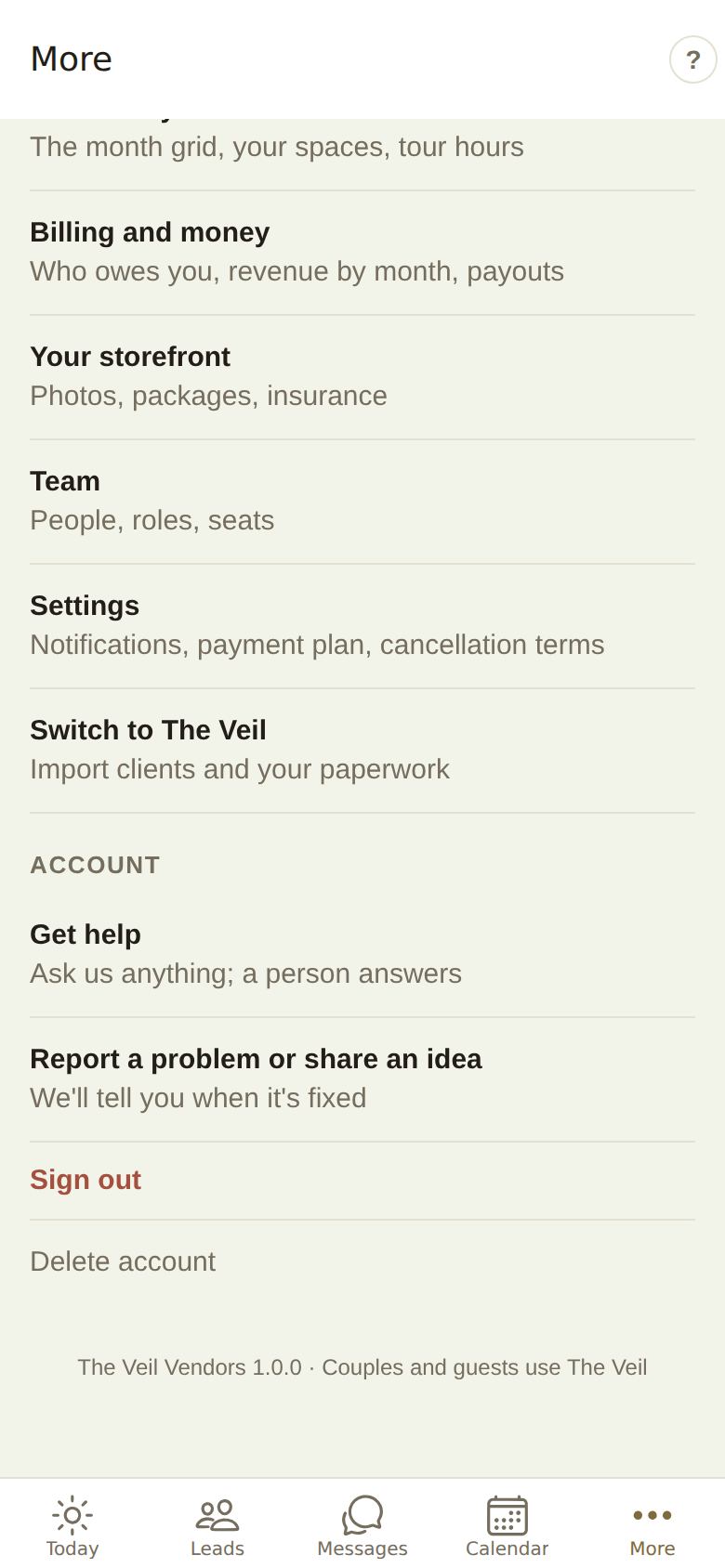
- Team: people, roles, seats.
- Settings: notifications, payment plan, cancellation terms.
- Switch to The Veil: import clients and your paperwork.
Account
- Get help: ask us anything; a person answers. See Get help in the app.
- Report a problem or share an idea: we'll tell you when it's fixed.
- Sign out: you stay signed in to the portal on your other devices.
- Delete account: removes your account and your business listing, its leads, invoices and messages. It asks twice and can't be undone. See Disconnect or delete your business.
The app's version is at the very bottom. Tell us that number if you report a problem.
Did this answer it?
Updated September 30, 2026