Help · For wedding businesses · The wedding day
Run the day (venues and planners)
Start each moment, run late gracefully, check guests in, mark vendors arrived, and tell everyone in one line.
On the wedding day, the booked venue or planner can run the day from one screen: the timeline, the guests, the vendors, the problems, and one place to tell everyone what's happening.
Open it
- In the portal: on the booked lead, Run the day in The day box.
- On your phone: open the lead's Day sheet and tap Run the day.
It's for a booked lead where the couple plans on The Veil, at a business listed as a venue or a planner, for coordinators, managers and owners. If you can't open it, it says why.
At a glance
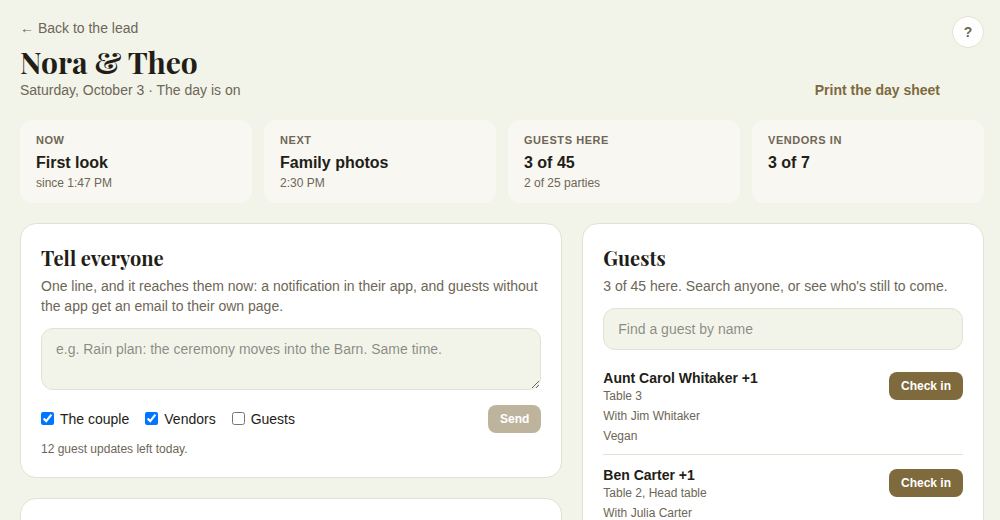
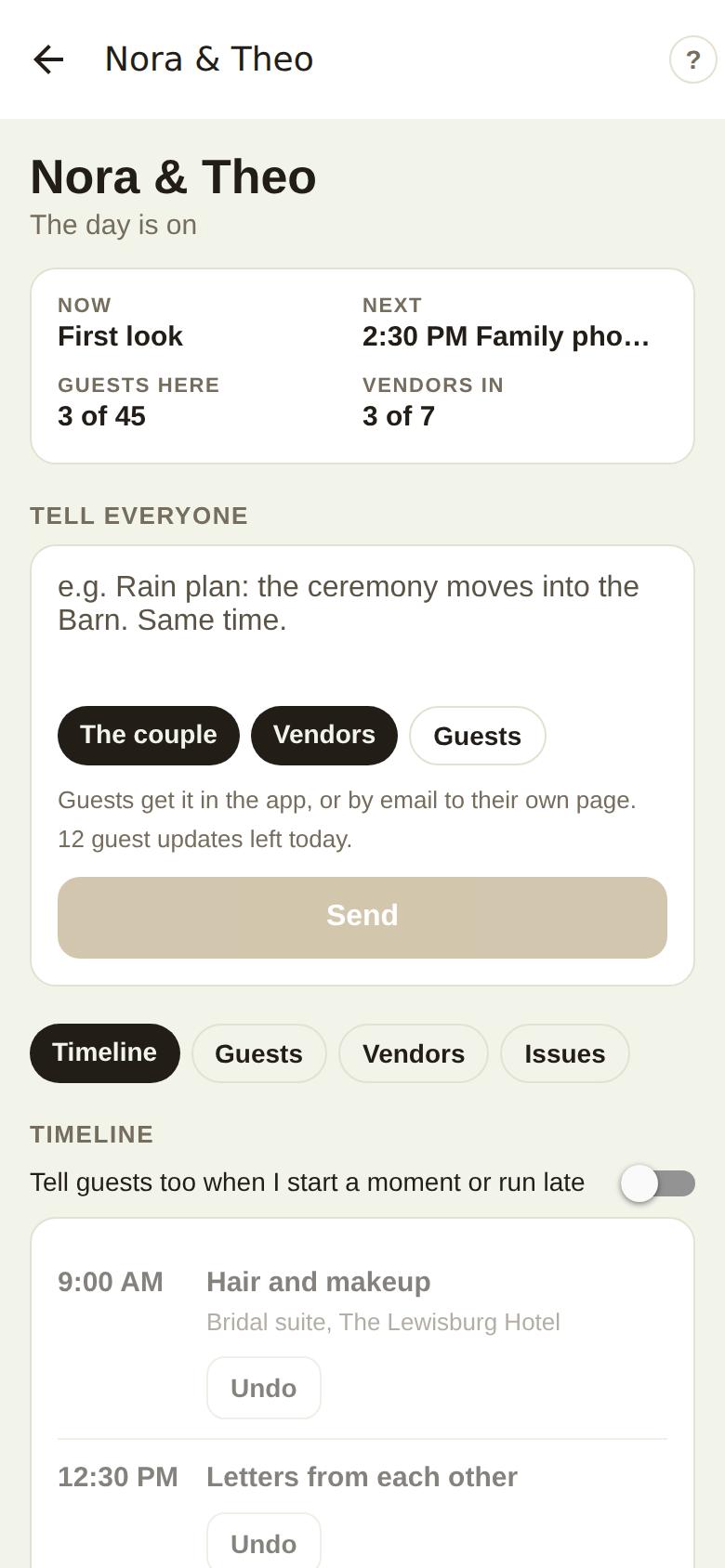
The top shows the couple, the date and whether The day is on, with four tiles: Now (the moment running, and since when), Next, Guests here (people and parties) and Vendors in. The page refreshes itself every 30 seconds while it's open.
Tell everyone
Write one line, choose The couple, Vendors and Guests, and tap Send. It reaches them now: a notification in their app, and guests without the app get an email linking their own invitation page, which shows the day as it is.
- Guests can be told from the day before the wedding to the day after, up to 12 updates a day. The line under the box says how many are left.
- The couple and vendors can be told any time.
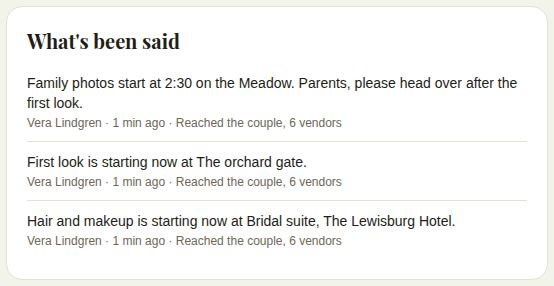
What's been said lists every update, who sent it, when, and who it reached, for example "Reached the couple, 6 vendors".
The timeline
The couple's timeline for the day, in order.
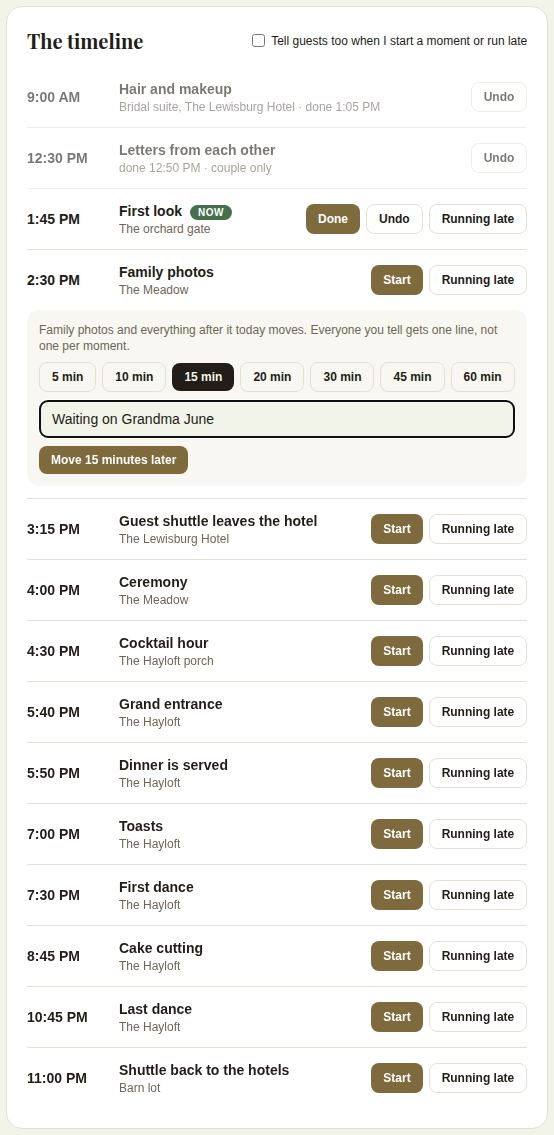
- Start marks a moment as happening now (Now). Done finishes it. Undo takes either back.
- Running late opens a choice of 5, 10, 15, 20, 30, 45 or 60 minutes and an optional reason. Tap Move ... minutes later: that moment and everything after it today move, and everyone you tell gets one line, not one per moment. The planned time stays, crossed out, beside the new one.
- Tell guests too when I start a moment or run late also tells guests, within the wedding window.
- Moments the couple kept to themselves are marked couple only.
Guests
The guest list opens once the couple locks it, or from the day before the wedding.
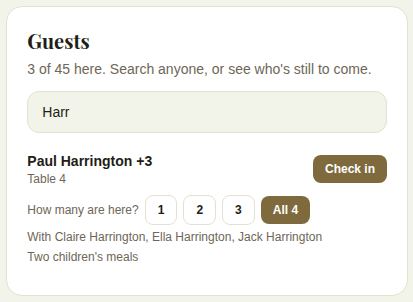
- It shows who's still to come; Find a guest by name searches everyone, including the people in each party.
- Each guest shows their table, their party, and any note such as a dietary need.
- Check in marks a single guest here. For a party, it asks How many are here?; tap a number or All.
- Undo reverses a check-in.
Vendors
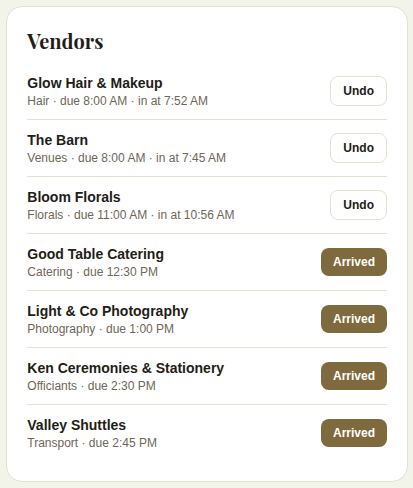
Every vendor booked on the wedding through The Veil, with when they're due and their phone number. Tap Arrived as each gets there; the time is recorded. Undo if you tapped the wrong one.
Issues
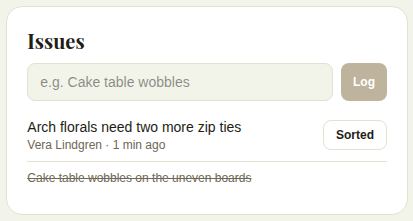
Type a problem, for example "Cake table wobbles", and tap Log. It's listed with who logged it and when. Tap Sorted when it's fixed; it's crossed off.
On your phone
Run the day in The Veil Vendors has the same glance, Tell everyone with The couple, Vendors and Guests, and tabs for Timeline, Guests, Vendors and Issues.
Good to know
- The couple, and a day-of coordinator they've named, see the same updates and can run the day too.
- Running late accepts between 1 and 240 minutes.
- The couple can switch their day on early from their app, which opens the guest window.
- Print the day sheet from the top of the page. See The run sheet and the day sheet.
Did this answer it?
Updated September 30, 2026