Help · For couples · Guests and RSVPs
Your wedding link, QR codes and personal links
Send each party their own invitation link, or share one wedding link and QR code with everyone.
Every party on your list has its own invitation page, with their name, their RSVP and the schedule. There are two ways to get guests there: a personal link for one party, or one wedding link for everyone.
A personal link for one party
- On the Guest Roster, find the party and tap Invite on their row.
- The Send their invitation sheet opens, explaining what they can do from the link: RSVP, name who's coming and share dietary needs, with no app needed.
- Tap Send their link to share it by text, email or any app on your phone. Or tap Show QR Code so they can scan it with their phone camera.
The link looks like theveilwedding.com/i/sam-and-alex/ followed by a short code. The names are only there to make it readable. After you share it, the row's button changes to Sent, and to In app once they open it in The Veil app.
One wedding link for everyone
Your wedding link is a single link and QR code you can put anywhere: the save-the-date, a family group chat, a sign at the shower, a slide at the engagement party.
- On the Guest Roster, tap Your wedding link.
- Tap Share the link to send it, or Show QR Code to display a code people can scan.
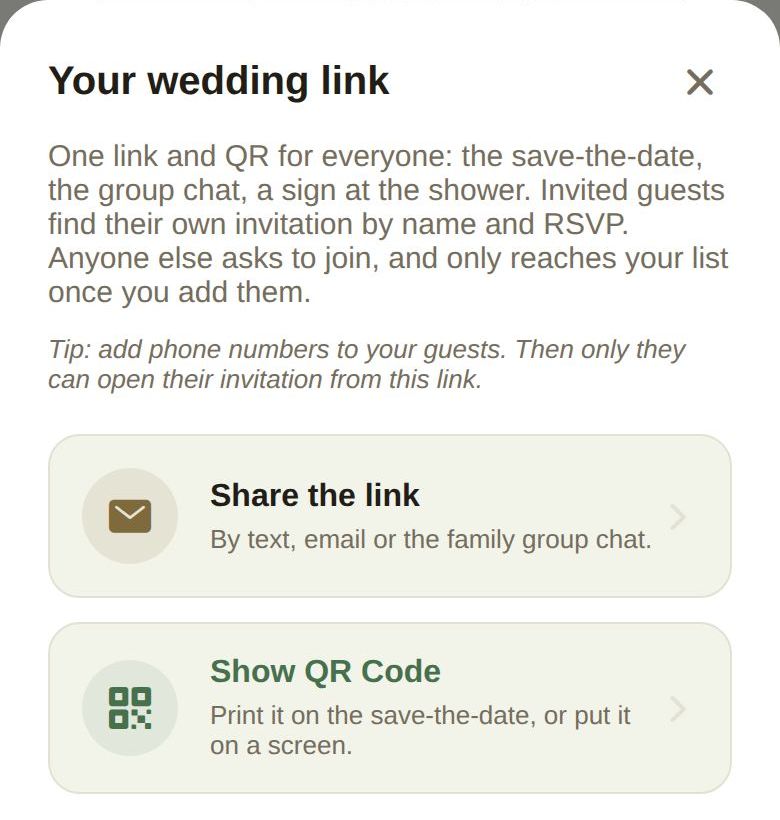
When someone opens it:
- Guests on your list find their own invitation by name and RSVP there.
- If you added a phone number for their party, they're asked for it first, so only the real guest can open that invitation.
- Anyone who isn't on your list can ask to join. They don't reach your list until you add them. See Review join requests.
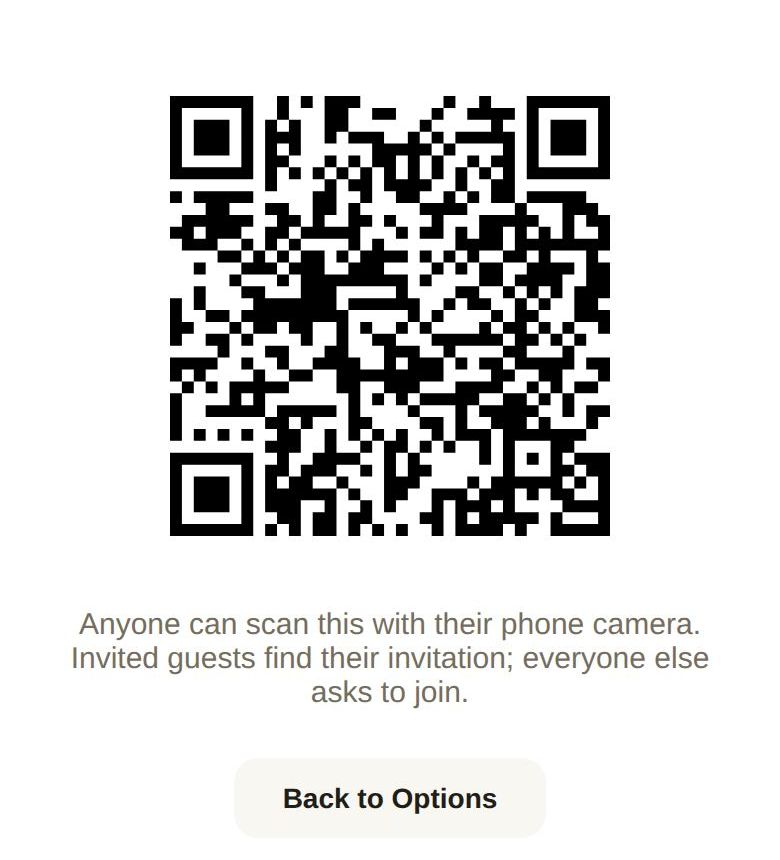
The QR code is always black on white, even in dark mode, because many phone cameras can't read an inverted code. Tap Back to Options to return.
Which one to use
- Use personal links when you're sending invitations one by one, or texting parties who have no email address.
- Use the wedding link when you're sharing one message with lots of people, or printing a code.
- Emailed save-the-dates and invitations always carry the party's personal link. See Send save-the-dates and invitations by email.
Invite your partner
The Invite Partner button next to your partner under The Couple sends a different link: one that gives your partner full access to plan the wedding with you. See Invite your partner.
Good to know
- Your wedding link is hidden while your final list is locked, because a link that adds people would undo the lock. Reopen the list to share it again.
- Anyone with guest-list access can share the wedding link, including a co-planner.
- Adding phone numbers to your guests is the best protection against someone opening another person's invitation.
Did this answer it?
Updated September 30, 2026