Help · For couples · Guests and RSVPs
Day-of contacts and your phone numbers
Add your own numbers so guests can reach you, and choose who your coordinator can call on the day.
On the wedding day, people need to reach the right person quickly. The Guest Roster holds two kinds of numbers for that: your own, and your day-of contacts.
Add your phone numbers
- On the Guest Roster, under The Couple, tap EDIT PHONES.
- Contact Numbers opens with a field for each of you.
- Type your numbers and tap Save Numbers.
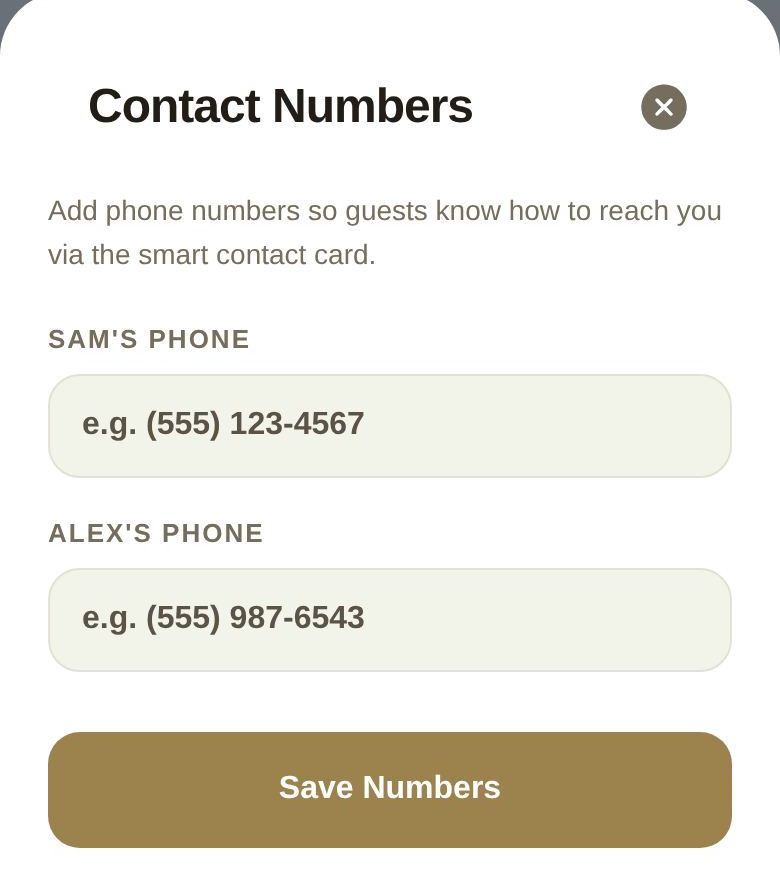
These numbers appear on the contact card guests see, so they know how to reach you. If a co-planner changes them, the change goes to you to approve first.
Make someone a day-of contact
Day-of contacts are the people your day-of coordinator can call from their passport on the wedding day, such as a parent, the maid of honor or the best man.
- Tap ... on the guest's row.
- Tap Make Day-of Contact.
To undo it, open the same menu and tap Remove as Day-of Contact.
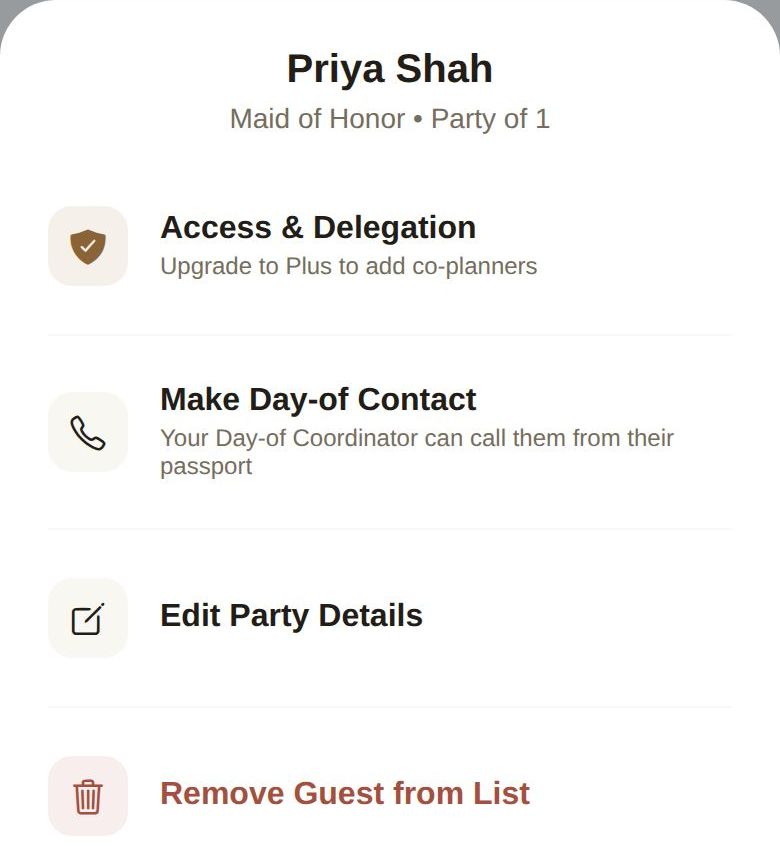
Add a phone number to the guest first. Without one, the menu reminds you that they can't be reached.
Your day-of coordinator
Your day-of coordinator is always a day-of contact. Their menu shows Day-of Contact (automatic) instead of a switch, so their number can never be taken off the list by accident. Choosing a day-of coordinator needs Plus. See Co-planners and your day-of coordinator.
Who can change this
Only the two of you can make or remove day-of contacts. Co-planners can't add themselves or anyone else to the call list.
Good to know
- Day-of contacts are separate from co-planners. Making someone a contact gives them no planning access.
- For the day itself, see The wedding day.
Did this answer it?
Updated September 30, 2026