Help · For wedding businesses · Quotes, contracts and getting paid
Your client's page: what they see
The private page a client without an account uses to accept your quote, pay, choose a payment plan and sign, and what each part does.
A client without an account works from one private page with you. It's reached from the link in your emails or texts, and it's about your business: your name and photo are at the top, and The Veil is a line at the bottom. Open it any time from See what they see on the lead.
At the top
Your photo (if you have one), "For" their names, your business name, and their date. If you hold the date for them, a note says it's held until a day, or that they're next in line.
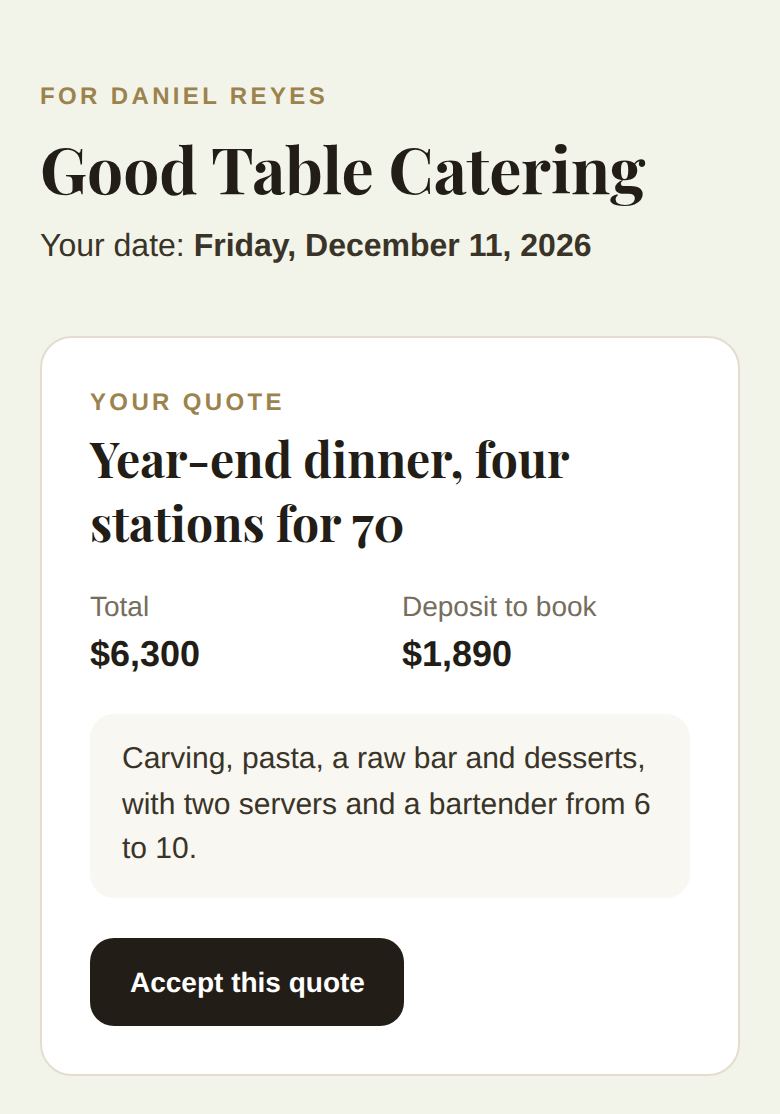
Your quote
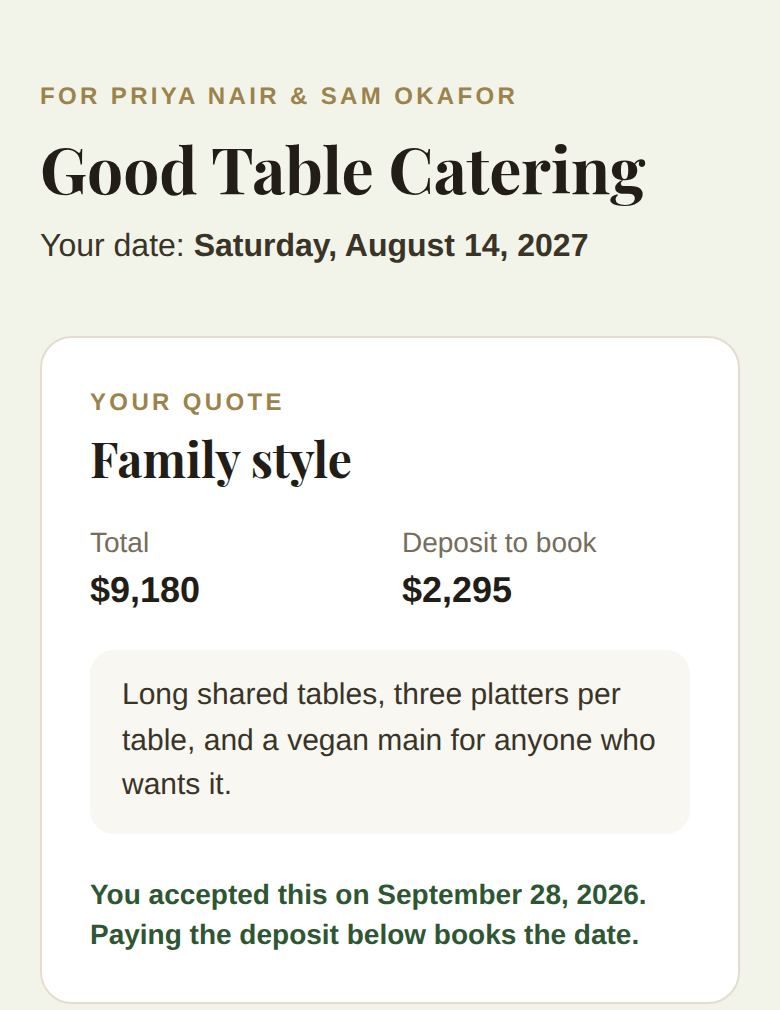
The package, what it includes, the Total, the Deposit to book, and your note. Accept this quote tells you yes. Afterwards it reads "You accepted this on" the date, and "Paying the deposit below books the date."
Choose how to pay
If you let clients choose their own payment plan, Choose how to pay appears once you've sent a quote and before a schedule is set. They pick how many payments (up to your limit) and what they pay today, see each payment with its date, and click Use this plan. They choose once. See Payment plans, autopay and late fees.
To pay
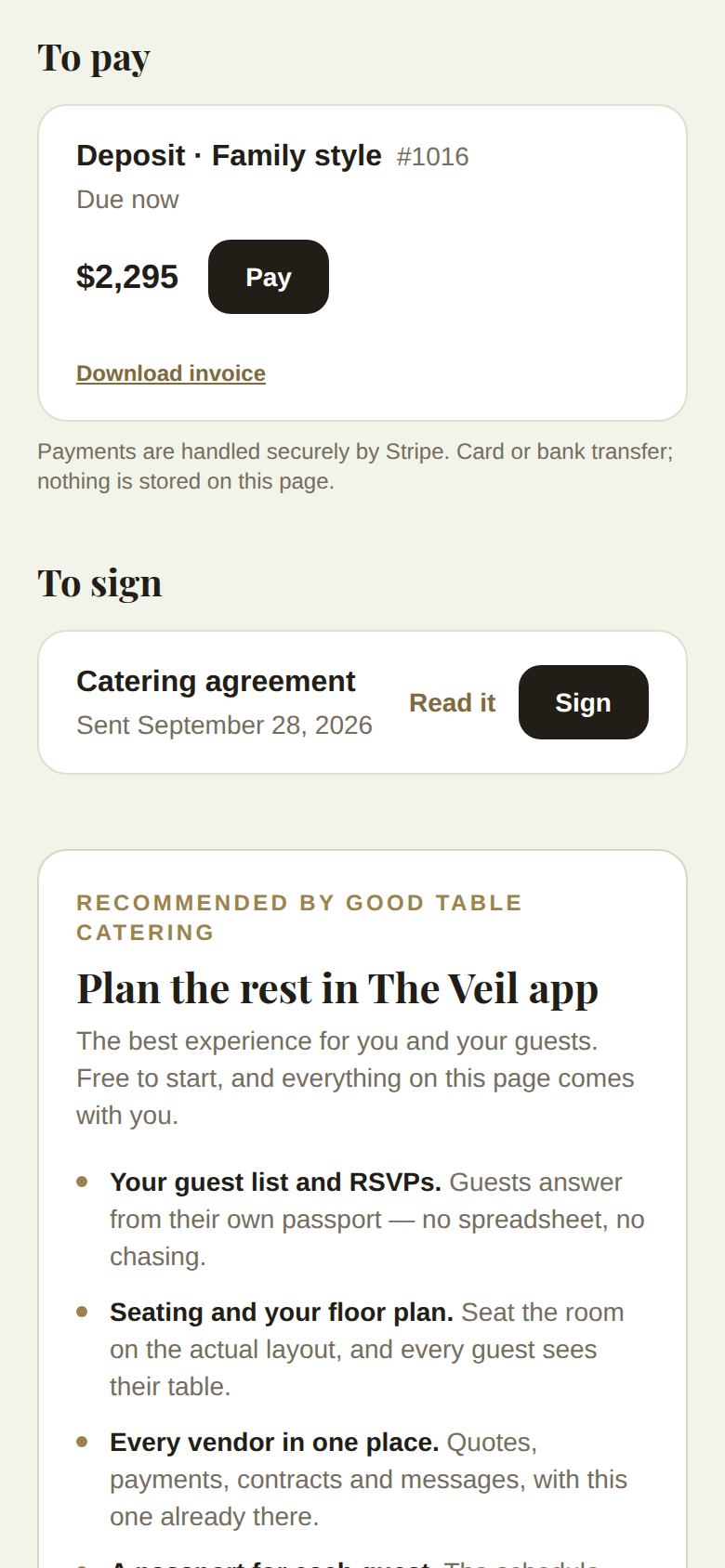
Each invoice that's due, with Pay and Download invoice. Upcoming payments show as "Coming up" with their due date. Pay opens Stripe's secure checkout, by card or bank transfer. A bank payment shows "Bank payment on its way" while it clears.
- If you offer autopay, they can tick to pay the rest automatically on the due dates. If you require it, the page says so. While it's on, Turn off stops it.
- If a late fee is in their signed contract, the terms show here.
To sign
Each contract with Read it and Sign. Signing asks for their full legal name, their signature drawn with a finger or mouse, and their agreement to sign electronically. Each signed contract is marked signed by them, and by your business once you countersign. When nothing is left to sign, the heading reads Contracts.
Other parts
- Damage deposit, if you asked for one. See Damage deposits.
- Floor plan, for venues that share one.
- Paid: everything they've paid, with any refunds.
- Payment reminders: they can stop reminder emails from here; only they can turn them back on.
- After the wedding, once something was paid, they're asked for a review.
- For a wedding, a short invitation to plan the rest in The Veil app.
Good to know
- The page is private to them: it asks them not to forward the link.
- An old or mistyped link shows "This link isn't live" and asks them to get a fresh one from you.
- If your payouts aren't set up, Pay tells them "This business hasn't finished setting up payments yet." See Connect payouts, and what payments cost.
Did this answer it?
Updated September 30, 2026