Help · For wedding businesses · Settings and account
Settings at a glance
Everything under Settings, in order, and where each part is explained.
Settings holds your business details and everything you set up once and reuse. Most of it can be changed by owners and managers; some parts are Pro and Studio only and show See Pro on Free.
From the top
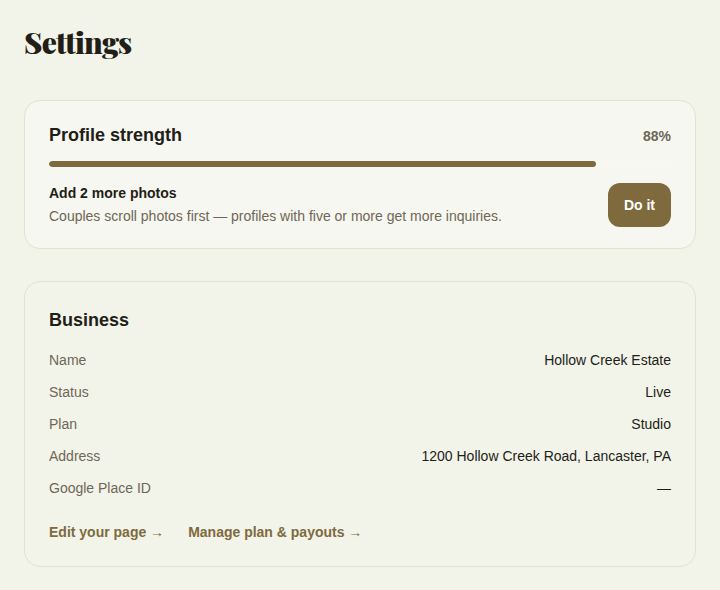
- Profile strength: your score and the next thing to add. See Share your page, profile strength and badges.
- Business: your name, whether you're Live or Not live yet, your plan, address and Google Place ID. Edit your page (or Finish setup) and Manage plan & payouts.
- Your public profile: your link to share.
- Booked via The Veil: your downloadable badge.
- Response time: your reply numbers and the badge.
- Two-factor authentication. See Sign in, reset your password and turn on two-factor.
- Notifications, Install the portal and Notifications on this device. See Notifications.
- Starter kit, while anything is still empty. See Start with a kit for your trade.
Your paperwork and money
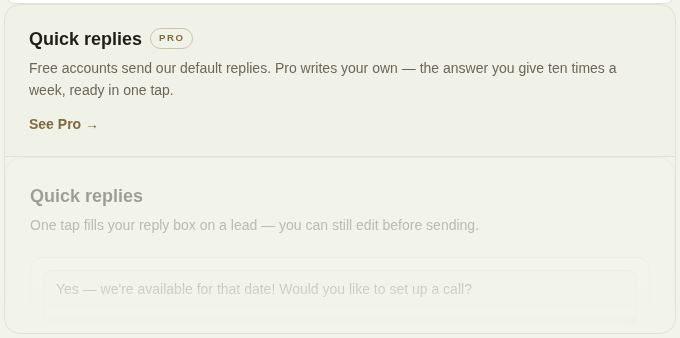
- Quick replies (Pro). See Reply fast.
- Proposal templates, your invoice presets (Pro). See Invoices.
- Your usual payment plan. See Payment plans, autopay and late fees.
- What you deliver after the wedding, for photographers, florists and others with deliveries.
- Cancellation terms, used in your contract and when a booking is cancelled.
- Travel and overtime, offered on every quote. See Send a quote.
- Preferred vendors, for venues.
- Contracts (Pro). See Contracts and signing.
- Payment timing.
- Automations, Out of office and How clients pay (Pro). See Automations and away.
- QuickBooks Online (Pro, owners and managers). See Reports and QuickBooks.
At the bottom
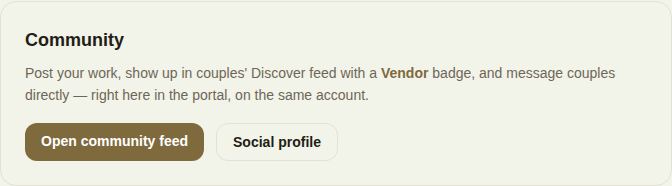
- Community: Open community feed and Social profile. See Community.
- Disconnect this business. See Disconnect or delete your business.
Elsewhere
- Your page, photos and packages are under Page.
- Your plan and payouts are under Billing.
- People and roles are under Team.
- The light or dark theme is the sun and moon button at the bottom of the menu.
Did this answer it?
Updated September 30, 2026