Help · For couples · Helpers and the wedding day
Co-planners and your day-of coordinator
Give a helper the parts you choose, or hand your day to a coordinator. Both are Plus.
Friends and family often want to help. The Veil gives you two helper roles, both chosen from your guest list:
- A Co-Planner gets the parts of your wedding you switch on. Their changes come to you as requests to approve.
- A Day-of Coordinator is the person running your wedding day. They get a fixed toolkit and, on the day, their changes save straight away.
Neither is your partner. Your partner joins as your Secondary Host, with full access. See Invite your partner.
Both roles need The Veil Plus. Without it, the menu says Upgrade to Plus to add co-planners.
Before you start
Your helper needs to be on your guest list, and needs The Veil app with their invitation opened in it: they tap I've been invited when they sign up and scan or paste the invitation you sent them. See Send save-the-dates and invitations by email.
Give someone access
- Open Guests and find the person.
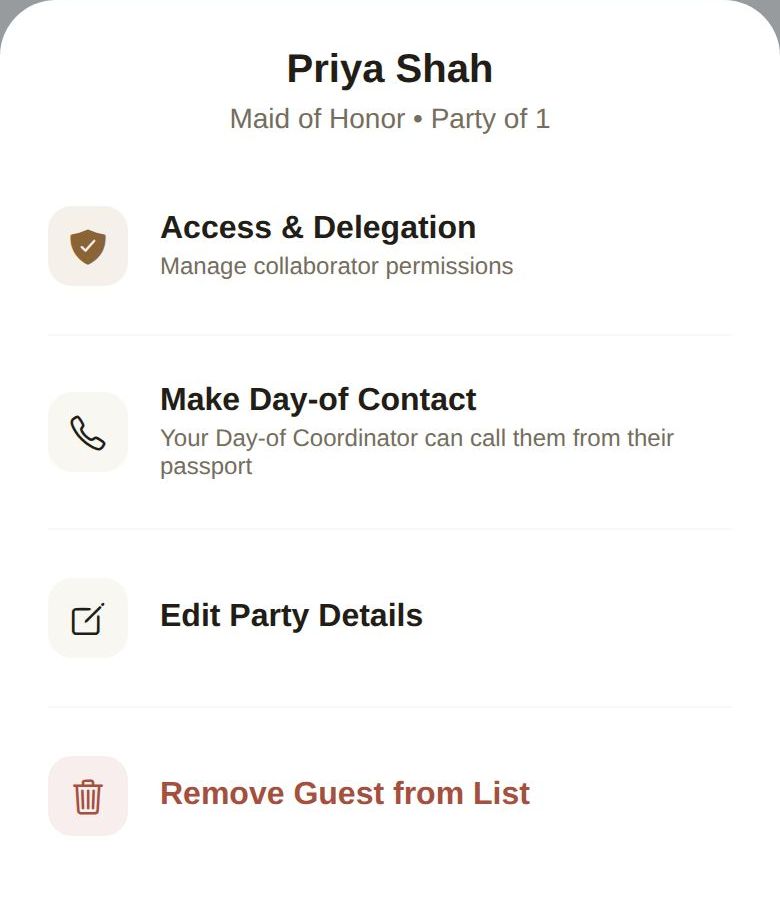
- Tap ... on their row, then Access & Delegation.
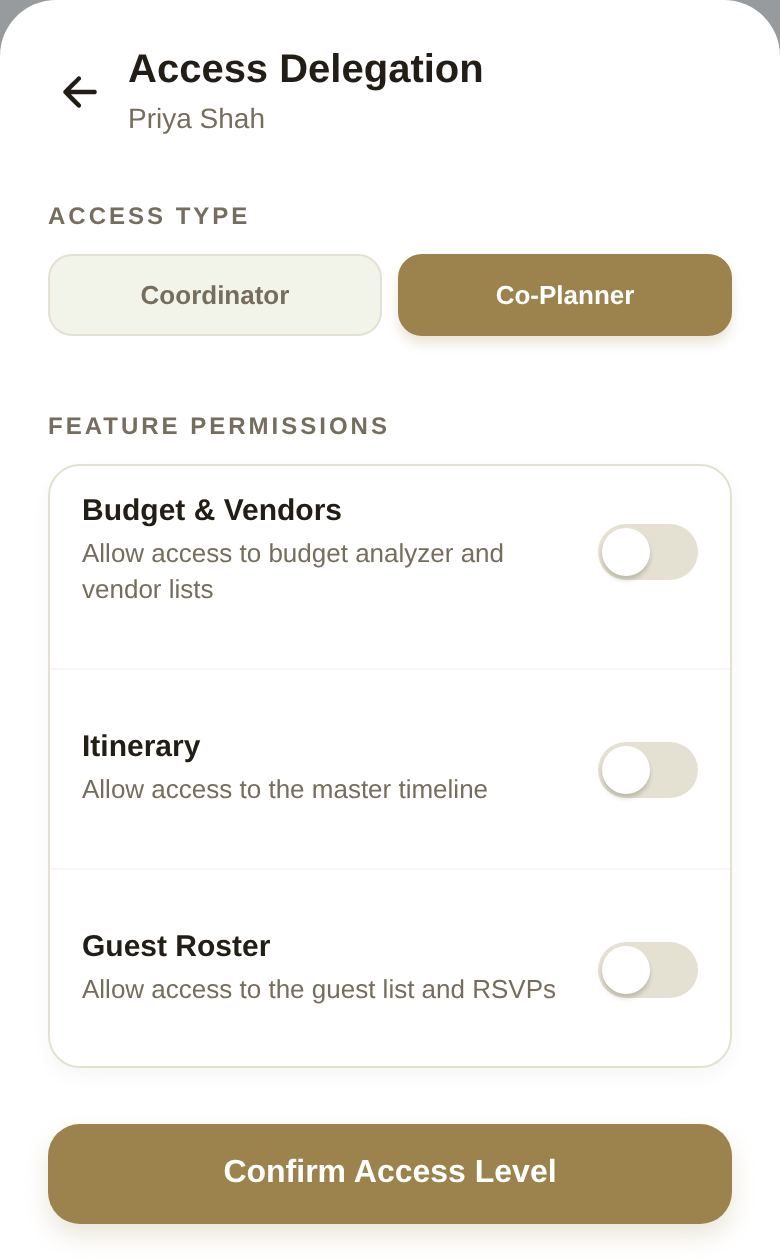
- Under ACCESS TYPE, choose Coordinator or Co-Planner.
- For a Co-Planner, switch on each part they can open under FEATURE PERMISSIONS.
- Tap Confirm Access Level.
Co-Planner: what you can switch on
Everything starts off. Switch on only what you need help with:
- Budget & Vendors, Itinerary (your timeline), Guest Roster, Music Engine, Floor Planner, Venue Finder, Notes Hub, Wedding Attributes, Content Hub, DIY Workbench and Gift Registry.
When a co-planner changes something, it isn't saved straight away. They see Submitted for Review, the item is marked PENDING, and it comes to you. See Approve your co-planners' changes.
Day-of Coordinator: a fixed toolkit
A Coordinator gets the same set every time, so there's nothing to switch: the timeline, guest list, seating, vendors, budget and notes. They can't see your gift registry or Content Hub, and they don't get music. A wedding has only one Coordinator.
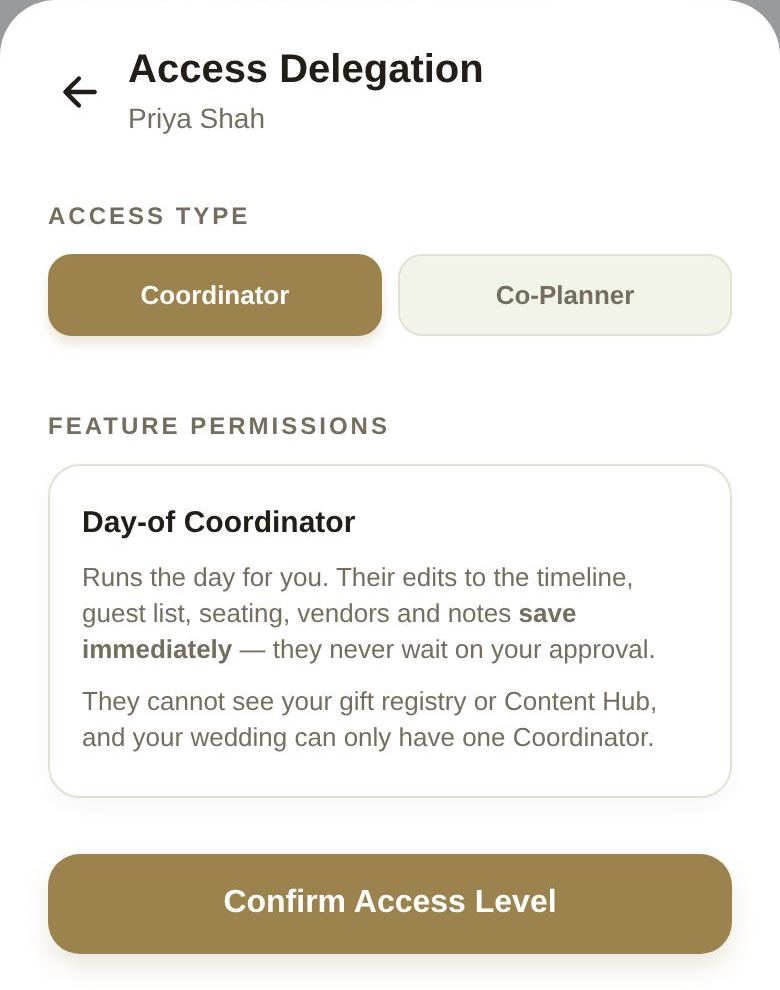
A Coordinator's changes save immediately, before the day and on it. While day-of mode is on, they can also approve your co-planners' timeline and seating requests so nothing waits on you. They're also automatically a day-of contact guests can call. More in Your day-of coordinator.
Change or remove access
Open Access & Delegation again, pick a different role or permissions and Confirm Access Level. Remove Collaborator Access takes it away completely; they stay on your guest list as a guest.
Good to know
- Plus is shared. Helpers use your Plus features while they're working in your wedding.
- One role per person. If someone already has access under another guest entry, remove that first.
- Only one Coordinator. To switch, change the current one to Co-Planner first.
- Only you and your partner can give access. Helpers can't give it to anyone else, and co-planners only see the wedding you're currently planning.
- If your venue or planner is booked on The Veil, their coordinator can run the day from their side, and you may not need to appoint anyone. See The wedding day.
Did this answer it?
Updated September 30, 2026