Help · For wedding businesses · The phone app
Sign in to The Veil Vendors
Signing in, forgotten passwords, and the message you see if your account isn't a business.
The Veil Vendors uses the same login as the vendor portal. There is no separate account to make.
Sign in
- Open The Veil Vendors.
- Enter your email and password, the ones you use at theveilwedding.com/portal.
- Tap Sign in.
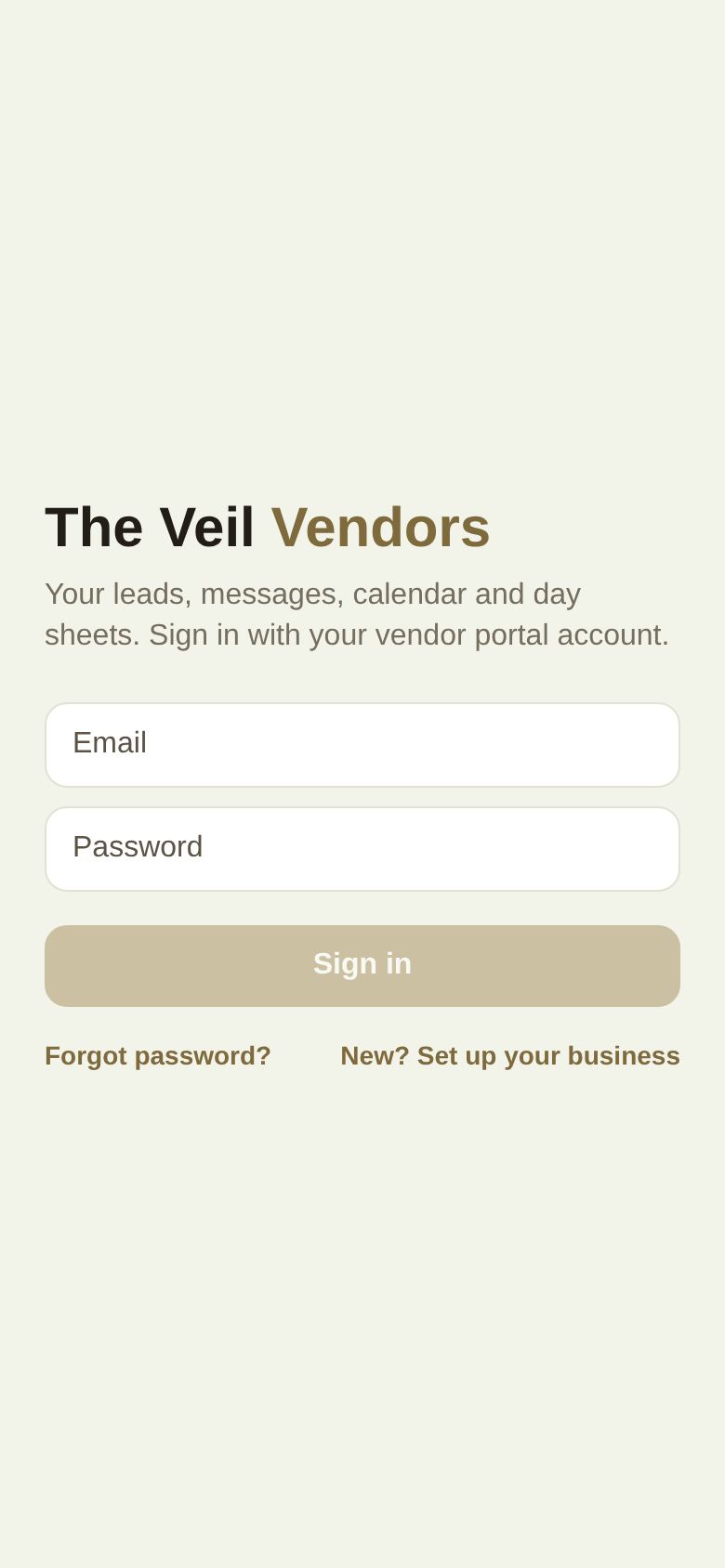
If the details don't match, the app says "Email or password is incorrect."
Forgot your password
Forgot password? opens the portal in your browser. Go to the portal's sign-in page, type your email and choose Forgot your password? to get a reset link. Then sign in to the app with the new password. See Sign in, reset your password and turn on two-factor.
New to The Veil
New? Set up your business opens theveilwedding.com/business. You register and claim your business on the web first, then sign in here. See Sign up and claim your business.
"This app is for wedding businesses"
You see this if you signed in with an account that isn't set up as a business, such as a couple's account.
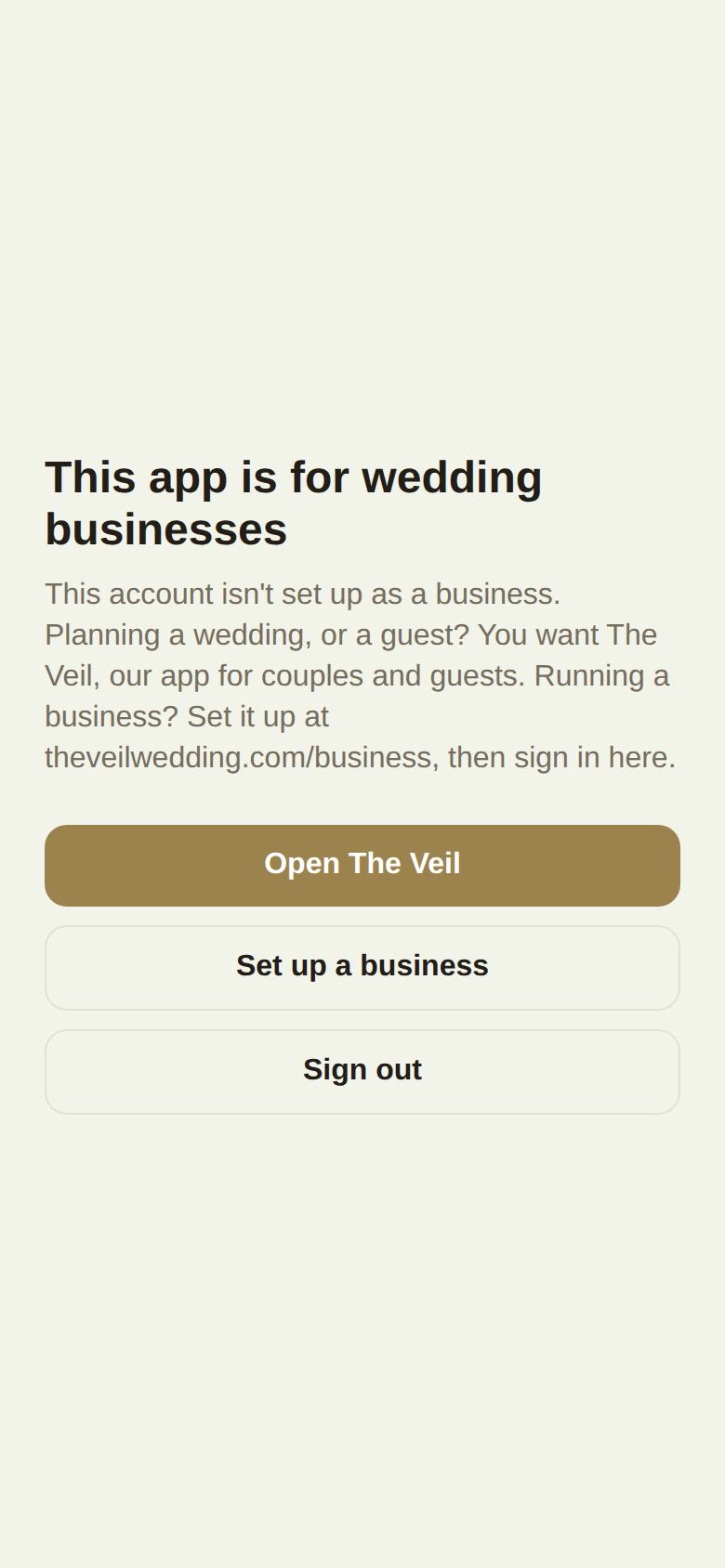
- Open The Veil opens the couples app, if it's on your phone, or the website.
- Set up a business opens theveilwedding.com/business.
- Sign out lets you sign in with your business login instead.
Invited to a team?
Accept the invitation from your email first and set your password. Then sign in to the app with that email. See Invite your team.
One phone, several people
Each person on a team signs in with their own email. If you share a phone, sign out before handing it over: signing out also stops this phone getting your notifications.
Signing out
More, Sign out. The app reminds you that you stay signed in to the portal on your other devices.
Did this answer it?
Updated September 30, 2026