Help · For wedding businesses · The phone app
Get help in the app
Search, ask a person, follow your requests and reports, all from More, Get help.
In The Veil Vendors, More, Get help has everything the portal's Help page has.
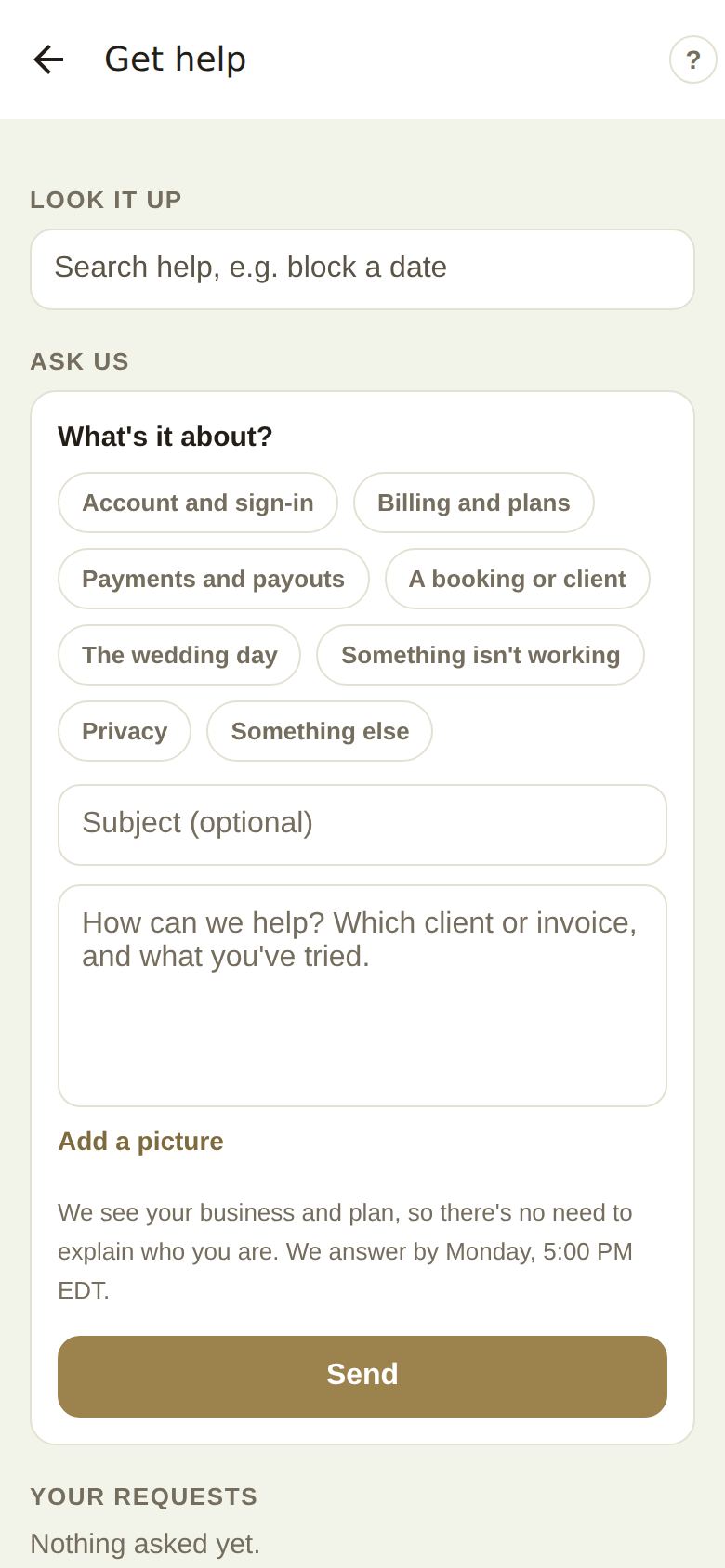
Look it up
Search the guide, for example "block a date". Tap an article to read it in the app. The ? at the top right of every screen also opens help for that screen.
Ask us
- Pick a topic. Choosing The wedding day adds: "If the event is today or tomorrow, we're alerted straight away."
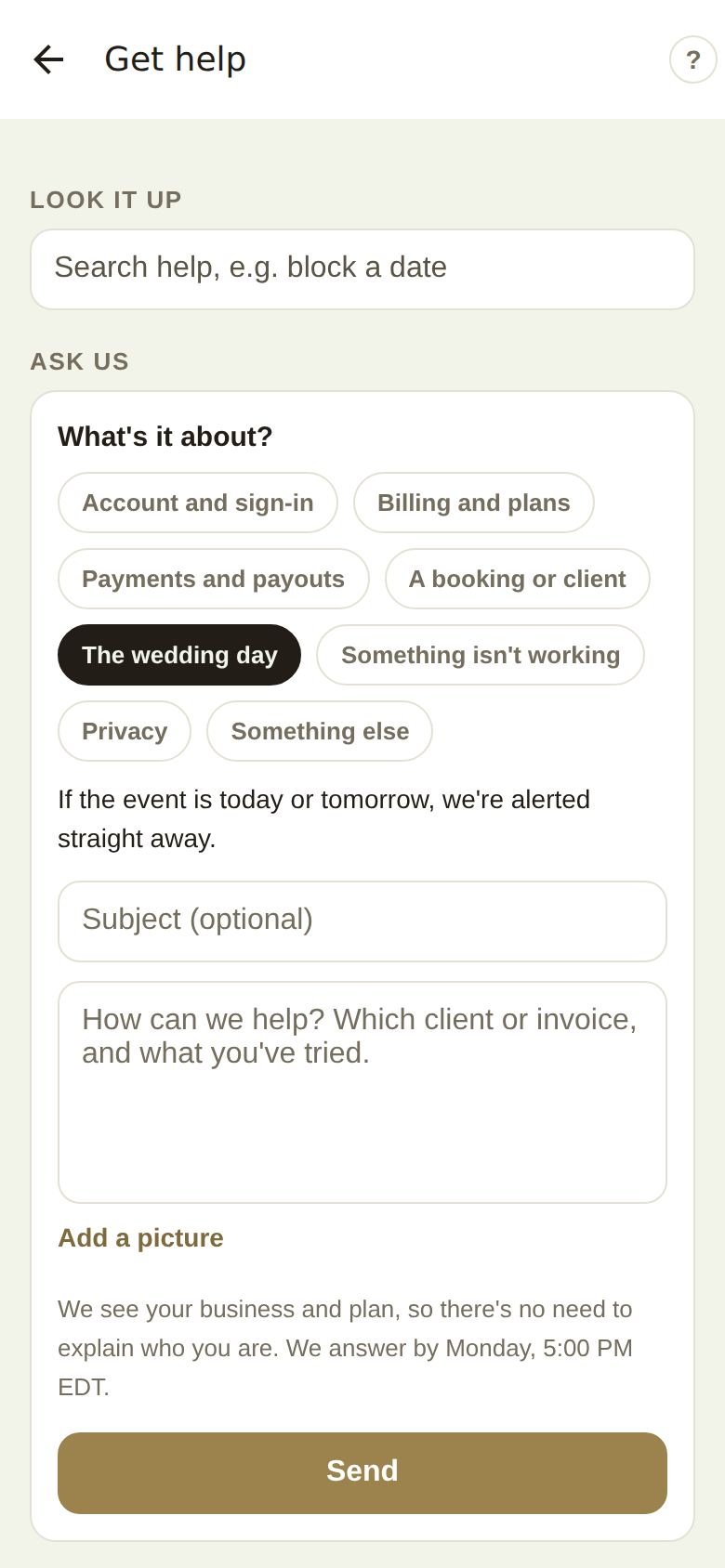
- Add a subject if you like, and write how we can help: which client or invoice, and what you've tried.
- Add a picture from your photos if it helps.
- Tap Send.
The screen tells you when we'll answer. We see your business and plan, so there's no need to explain who you are. Pro and Studio are answered the same business day; others by the end of the next business day; urgent wedding-day requests at once.
Just reporting a problem? Report it instead takes you to the report form. See Report a problem or share an idea.
Your requests
Tap a request to see the conversation. Write at the bottom and tap Send to add to it. When it's answered, Did this help? takes Yes or Not really, and It's sorted, close it closes it.
Your reports
Problems and ideas you've sent, with what we did about them. Report something sends a new one.
Good to know
- A reply to your request arrives as a notification; tapping it opens the request.
- Requests and reports are the same whether you send them from the app or the portal.
Did this answer it?
Updated September 30, 2026