Help · For couples · Registry and photos
Registry settings and notifications
Choose whether guests see your registry and the amounts given, add a note for guests, and pick your alerts.
Open Registry, then Settings. Only the two of you see this tab.
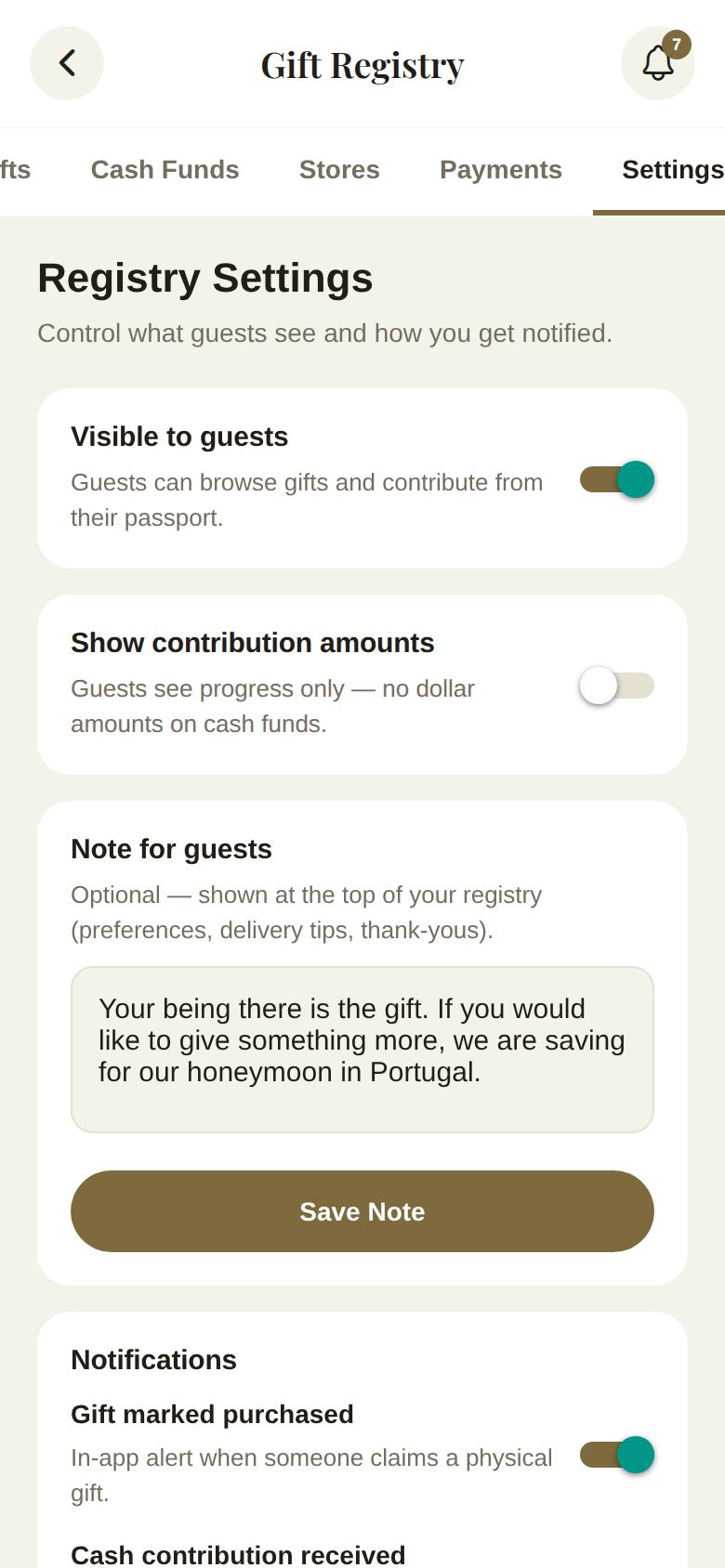
Visible to guests
When on, guests can browse gifts and contribute from their passport, and your registry appears on their invitation page. Turn it off while you're still building: guests see that your registry isn't open yet.
Show contribution amounts
- On: guests see dollar totals on cash funds, like $400 of $2,000.
- Off: guests see progress only, with no dollar amounts.
Note for guests
An optional note shown at the top of your registry, for preferences, delivery tips or thank-yous. Tap Save Note. Clear it and save to remove it.
Notifications
- Gift marked purchased: an in-app alert when someone claims a gift.
- Cash contribution received: an in-app alert for card or self-reported cash gifts.
Your alerts collect under the bell at the top of the registry. Swipe left on one to delete it, or tap Clear All.
Did this answer it?
Updated September 30, 2026