Help · For couples · Registry and photos
Photos from your guests
On the day, guests add photos from their invitation, no app needed. They all land in one gallery you control.
Every guest's invitation page doubles as a camera for your wedding. On the day, guests take or upload photos right from their link, with no app and no account. They all land in your shared gallery.
To see them, open Guests, then Photos from your guests.
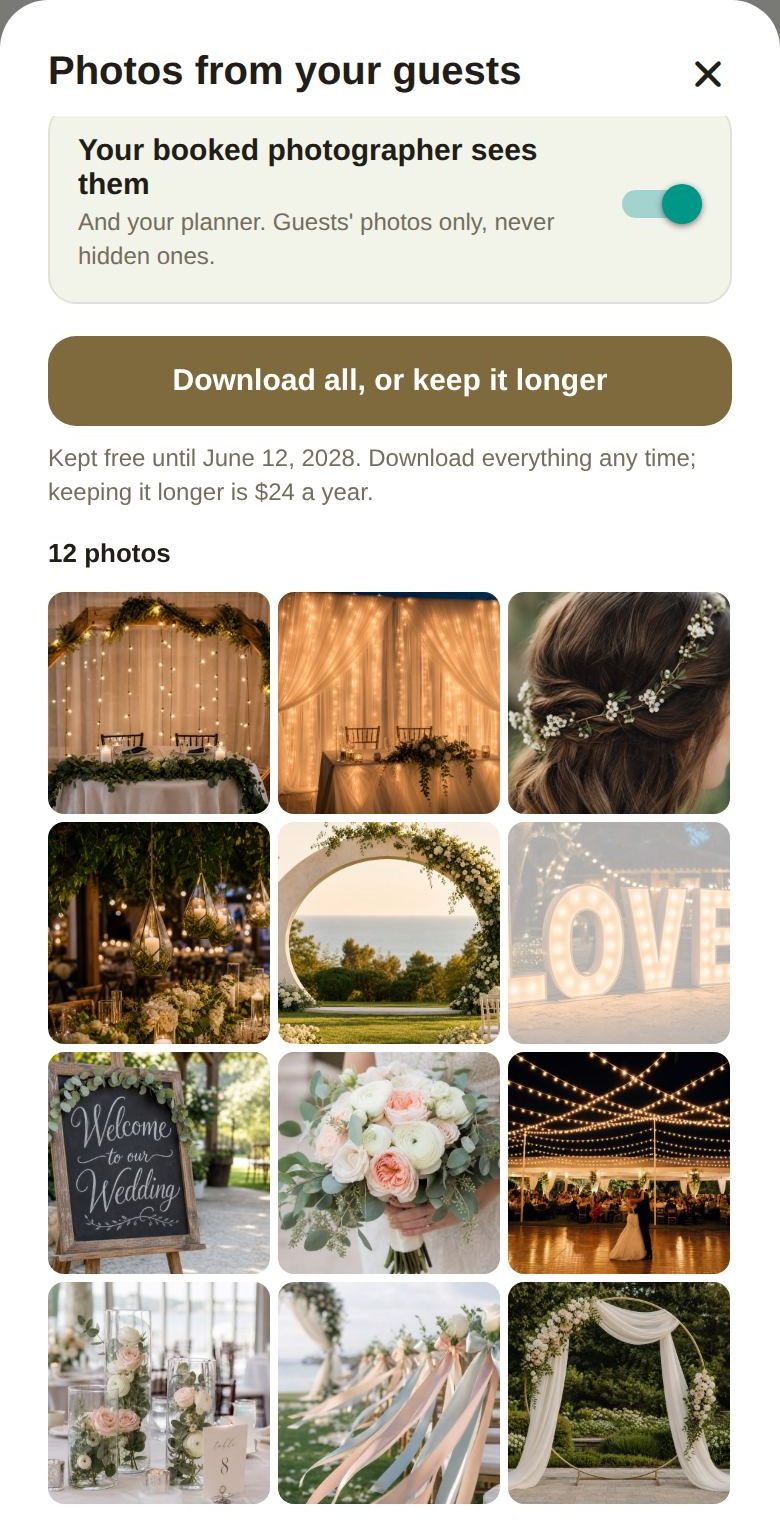
When guests can add photos
From two hours before your first event (within three days of the wedding, so a rehearsal dinner counts) until seven days after the last one. With no schedule, it opens at midday the day before your wedding. Before then, the top of the sheet tells you the date it opens. If you haven't set a date, it asks you to set one.
Your controls
- Guests see the gallery: guests see everyone's photos on their invitation, except any you hide.
- Your booked photographer sees them: your booked photographer (and your planner) sees guests' photos, never hidden ones.
- Tap a photo to open it, with who shared it. Hide from others keeps it just for you; Show to others undoes that. Delete removes it for good, for everyone.
- Download all, or keep it longer opens your gallery on the web. See Download your gallery and keep it longer.
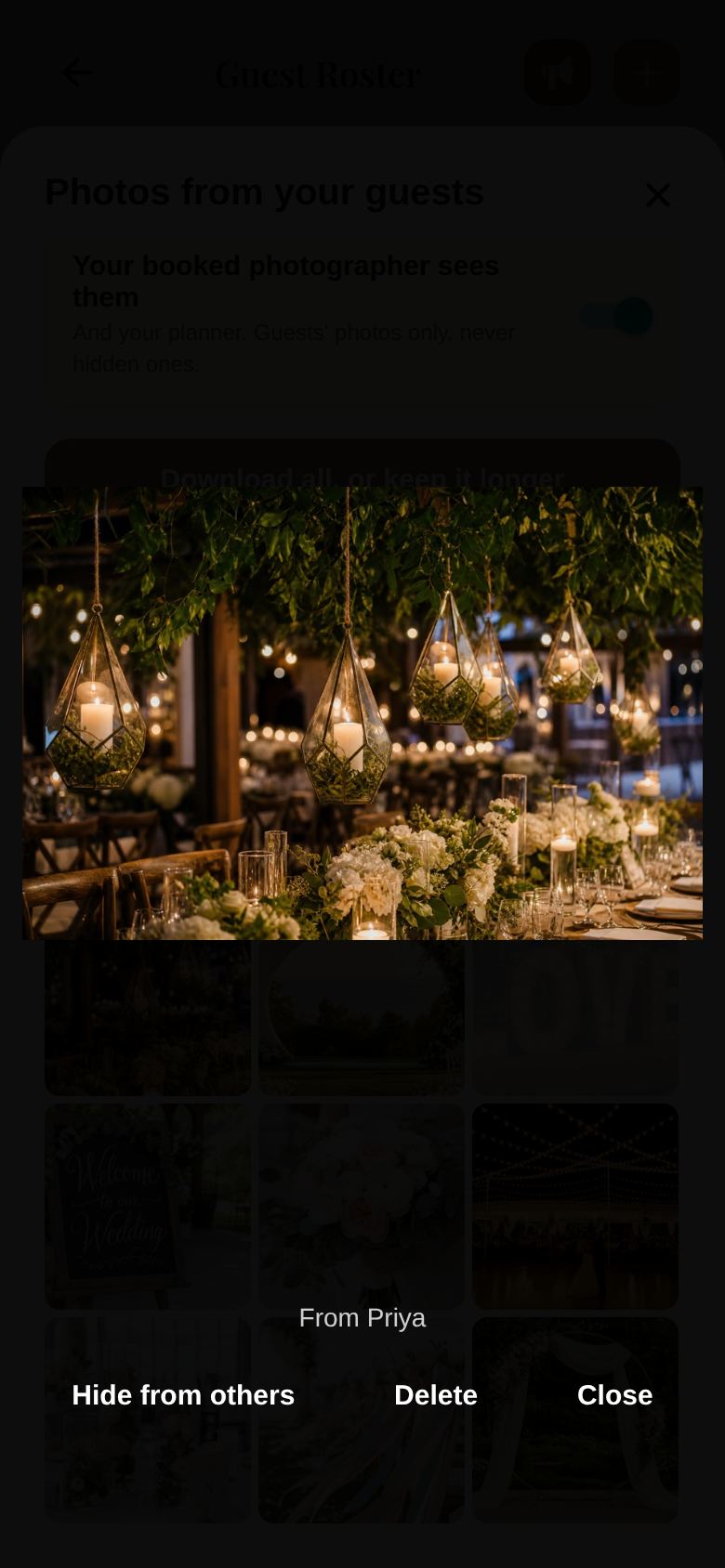
Hidden photos are shown faded in your grid.
Limits
- Free: 24 photos per guest in each party, 750 for the wedding.
- Plus: 100 photos per guest, 5,000 for the wedding, and 15-second video clips (up to 100).
If you bought Plus for your wedding at any point, the higher limits stay even after Plus ends.
How long photos are kept
- Free: 12 months after the wedding.
- Plus: 3 years after the wedding.
We email you 3 months and 1 month before they're removed. You can download everything free at any time, or keep the gallery longer for $24 a year.
Good to know
- Videos show here as a still; play them on the web.
- Guests don't need to install anything or make an account to add photos.
Did this answer it?
Updated September 30, 2026