Help · For wedding businesses · Your page
Reviews and replying to them
Who can review you, where reviews show, and how to post your one public reply.
Reviews on The Veil can't be bought or posted by anyone who wants to. Only a couple who paid you through The Veil can review you, and only after the wedding. That restriction is the reason couples believe what they read.
Where reviews come from
- Couples in The Veil app are asked after the wedding.
- Clients who paid you through their client page, without the app, get an email ask a day or so after the event.
- On Pro and Studio, the Ask for the review the day after the wedding automation is on by default. See Automations and away.
Where you see them
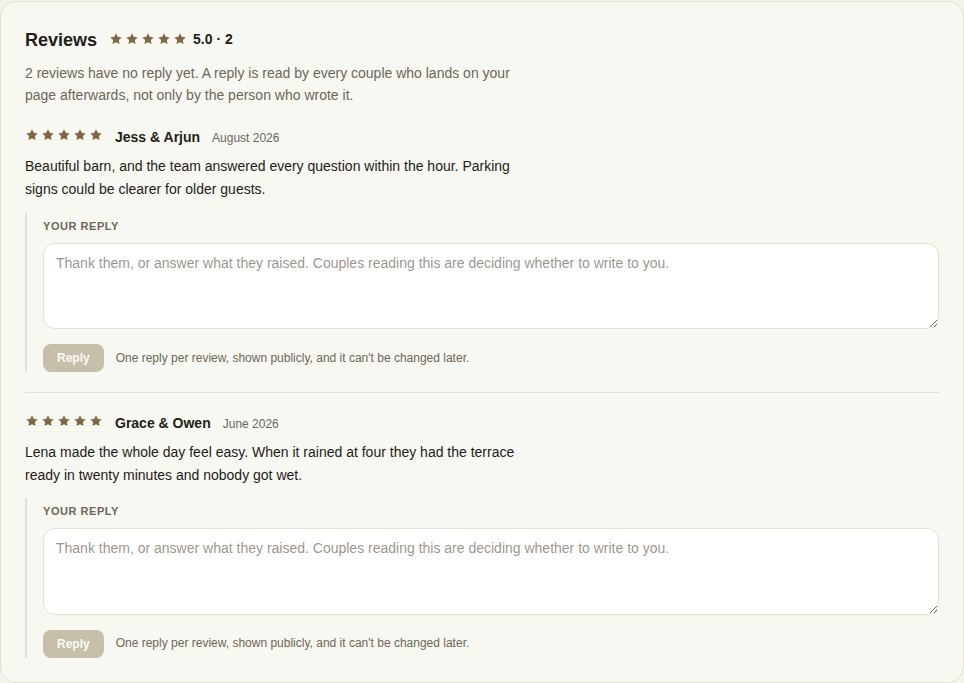
Under Page, Reviews, with the star average and the count. A line tells you how many have no reply yet.
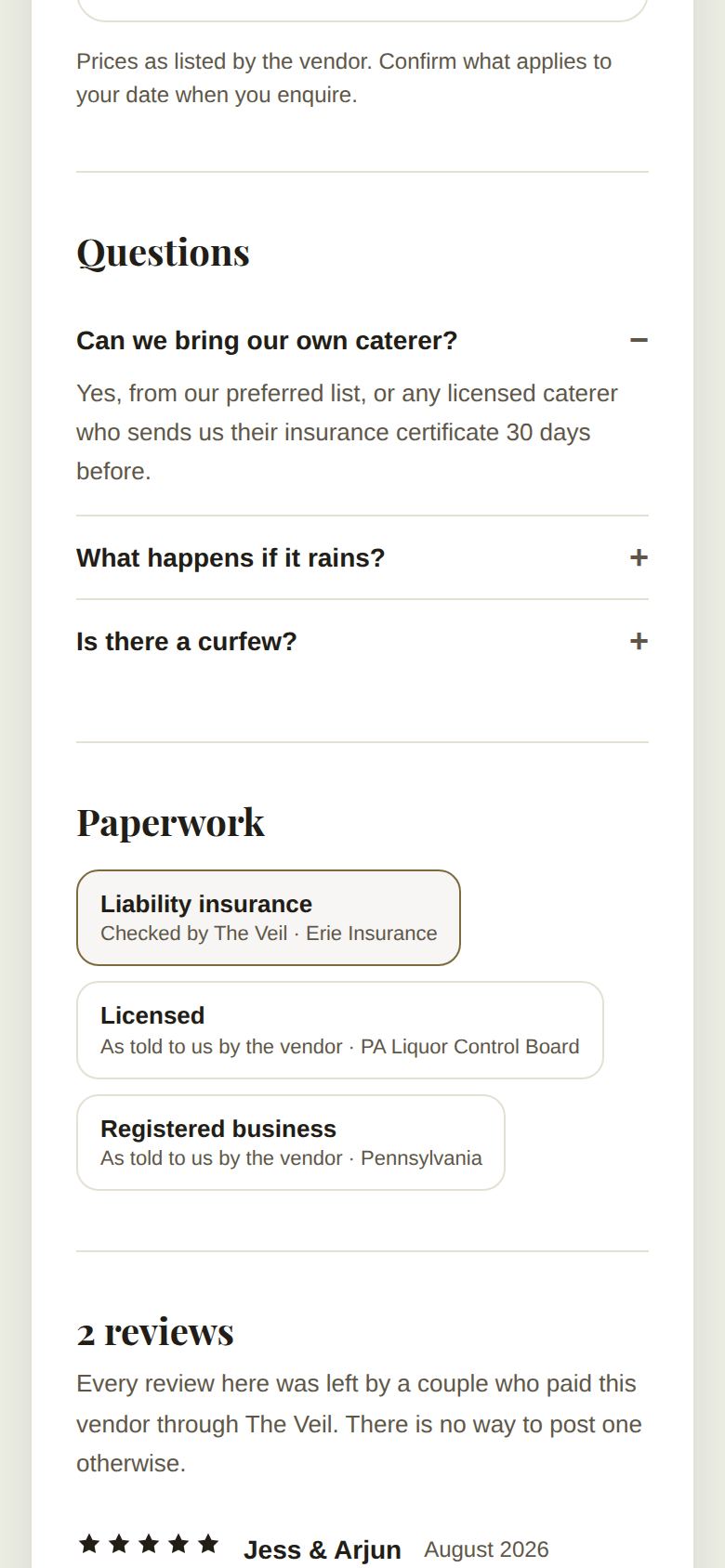
On your public page they appear at the bottom, under the number of reviews and the average, with a note that every review was left by a couple who paid you through The Veil and that there's no way to post one otherwise. Your reply shows under the review it answers.
In search, couples see your star average and count next to your name.
Reply to a review
Owners and managers can post one public reply to each review.
- Type in Your reply under the review.
- Choose Reply.
- The button changes to Yes, post this reply, with a reminder that it goes on your public page and can't be edited afterwards. Choose it to post.
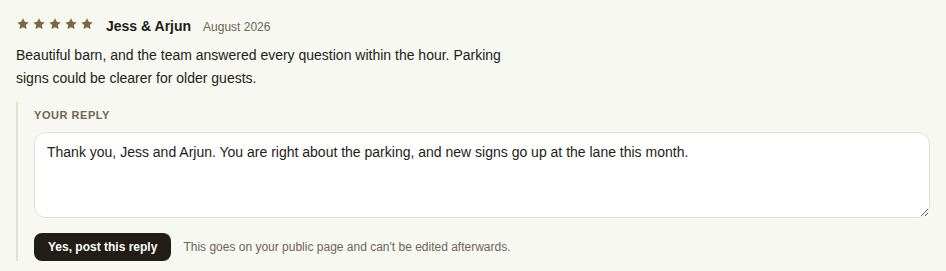

A reply is read by every couple who lands on your page afterwards, not only by the person who wrote the review. Thank them, or answer what they raised.
Good to know
- One reply per review, and it can't be changed or deleted. Take a moment before you post.
- You can't remove a review. If one breaks our rules (it's about someone else, or it's abusive), write to us under Help.
- Coordinators and day-of staff can read reviews but not reply.
- A thoughtful reply to a mixed review often does more for you than another five stars. Say what you've changed, if anything, and keep it short.
Troubleshooting
- "You have already replied to this one." Each review takes one reply, and it can't be changed.
- "Replying to reviews is for owners and managers." Ask one of them to post it.
- "That review is no longer there." The couple removed or edited it; refresh the page.
Did this answer it?
Updated September 30, 2026