Help · For couples · Getting started
Plus plans, payment and cancelling
Monthly, annual or the whole wedding: how to choose, how to pay, and where to change or cancel.
The Veil Plus comes in three plans with identical features. You're only choosing how long it lasts. This guide explains the prices, which plan suits your date, how paying works on the web and in the app, and how to manage or cancel.
Open the plans page
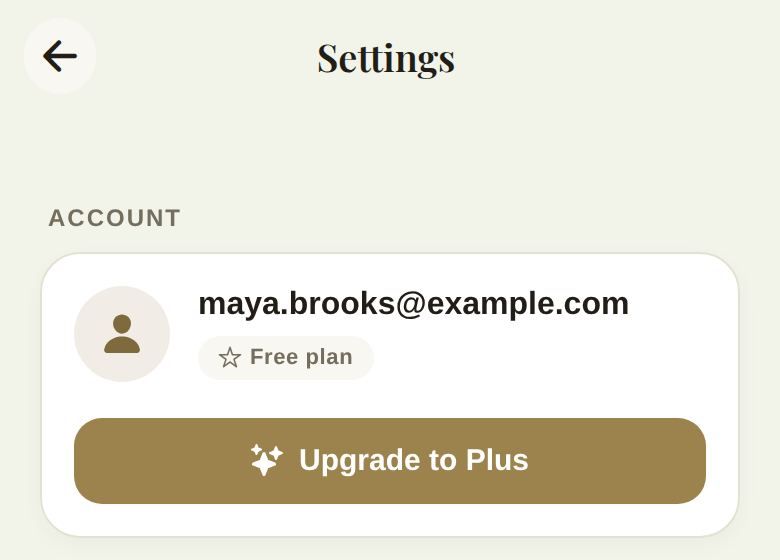
- From Global Settings, tap Upgrade to Plus under your email.
- From any locked feature, tap View Premium Plans.
- Right after the AI builds your budget during setup, the plans page opens by itself.
If you opened the plans page from somewhere, tap the X at the top to go back there.
The prices
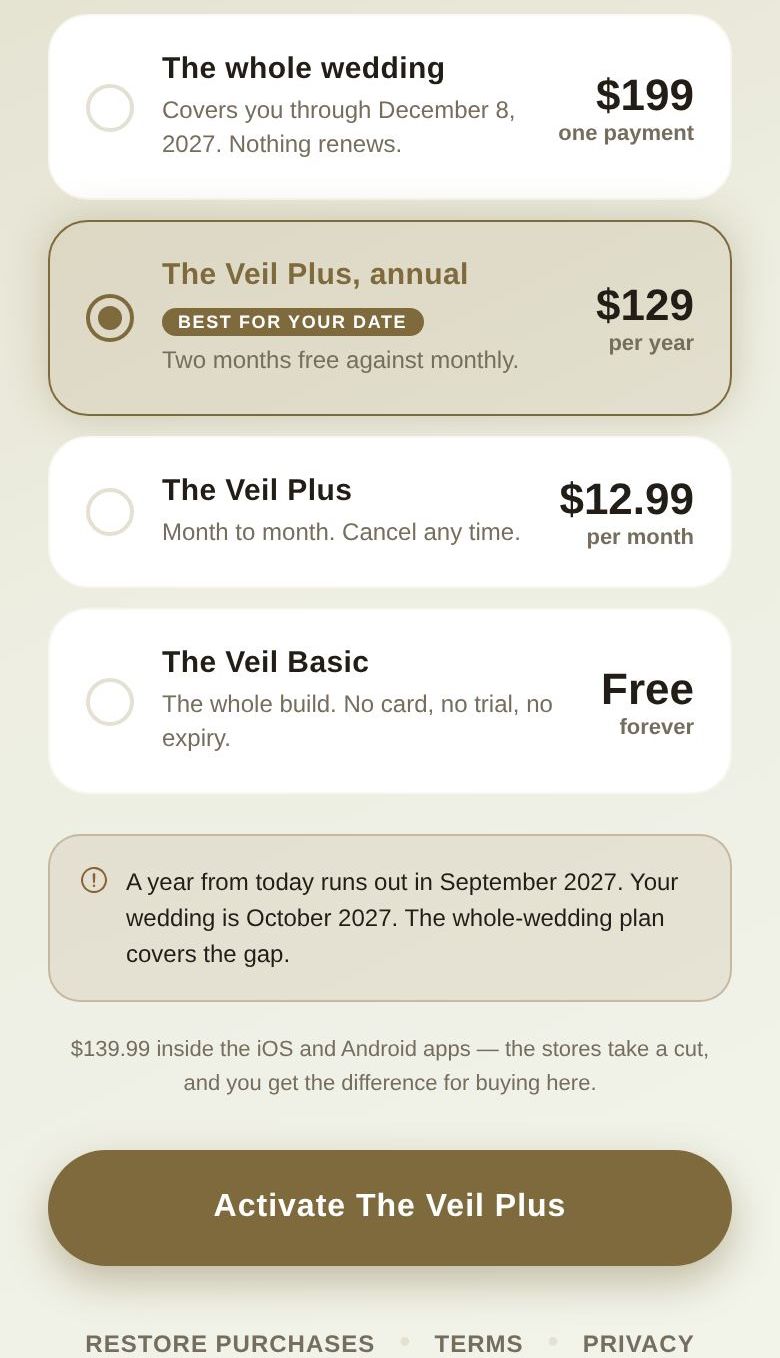
- The whole wedding: $199 on the web, $199.99 in the iOS and Android apps. One payment. It covers you until 60 days after your wedding and never renews.
- The Veil Plus, annual: $129 a year on the web, $139.99 in the apps. "Two months free against monthly."
- The Veil Plus (monthly): $12.99 a month on the web, $14.99 in the apps. "Month to month. Cancel any time."
- The Veil Basic: free, forever. "The whole build. No card, no trial, no expiry."
Buying on the web costs less because the app stores take a cut. On the web, the plans page tells you the in-app price so you can see the difference.
Which plan is best for your date
The plans page reads your wedding date and marks one plan Best for your date:
- 18 months or more away: the whole wedding. An annual plan would run out before the day.
- 6 to 18 months away: annual.
- Less than 6 months away: monthly.
- No date set: annual.
Every plan stays available; the badge only suggests. If you're a year or more away and pick annual, a note spells it out, for example "A year from today runs out in September 2027. Your wedding is October 2027. The whole-wedding plan covers the gap." The whole-wedding card shows the exact date it covers you through, such as "Covers you through December 8, 2027. Nothing renews."
Pay
- Tap a plan. The button changes to match: Pay $199 once for the whole wedding, Activate The Veil Plus for annual or monthly, or Continue with Basic for the free plan.
- On the web you go to a secure card checkout, then back to The Veil. In the iOS or Android app, Apple or Google handles the payment.
- You'll see Activating The Veil Plus... and then Welcome to The Veil Plus. Tap Enter The Planner.
If something goes wrong you'll see Purchase Failed with the reason, and Try Again. If the store took your payment but Plus hasn't appeared yet, the app says so; give it a moment, reopen the app, or tap Restore Purchases.
See your plan
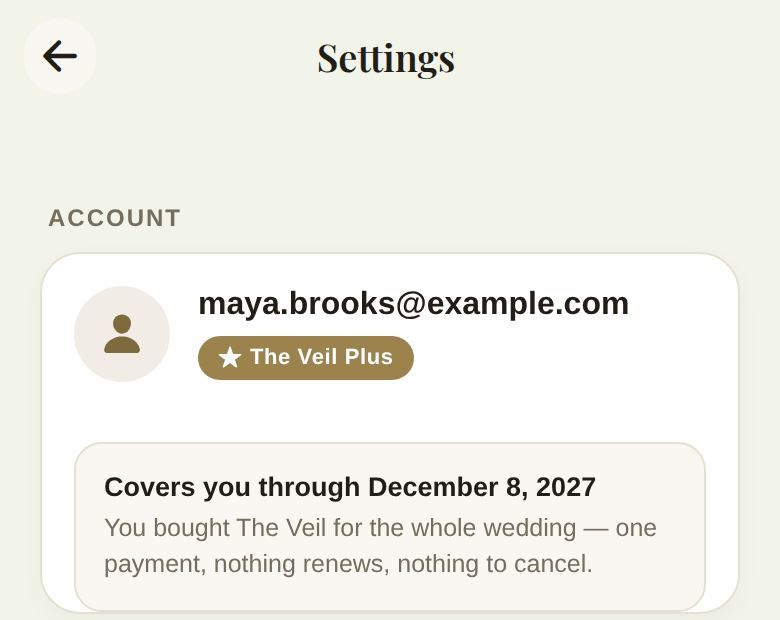
Open Global Settings. Under Account you'll see The Veil Plus or Free plan, and with Plus, a box that says what you have:
- Renews and a date, for monthly and annual plans.
- Covers you through and a date, for the whole-wedding plan.
Change or cancel
Where you manage Plus depends on where you bought it, not on the device you're holding. Settings shows the right option for you:
- Bought on the web: tap Manage subscription to update your card, see invoices or cancel.
- Bought in the app: tap Manage in App Store or Manage in Google Play. If you're signed in on the web instead, Settings reminds you to manage it in the store, on the device you bought it on.
- The whole wedding: nothing renews, so there's nothing to cancel.
- Plus given to you directly by our team: there's no subscription attached.
Cancelling stops the next renewal. You keep Plus until the end of the period you've paid for.
Restore Purchases
At the bottom of the plans page, Restore Purchases checks for a plan you already own. In the app it asks the store. On the web it checks your account; if you bought in the app, make sure you're signed in with the same account.
Troubleshooting
- "In-app purchases aren't available on this device right now." The store couldn't be reached. Everything free keeps working; try again later.
- "Your wedding date has already passed" when buying the whole-wedding plan. It would add no time. Choose monthly if you still need Plus.
- No wedding date set when buying the whole-wedding plan: it covers you for 24 months from the day you buy it.
- Charged but still on the free plan? Tap Restore Purchases, then contact us through Get help. See Get help or report a problem.
Did this answer it?
Updated September 30, 2026