Help · For couples · Account and help
Settings, section by section
Your plan, theme, day-of mode, notifications, security, privacy and account actions.
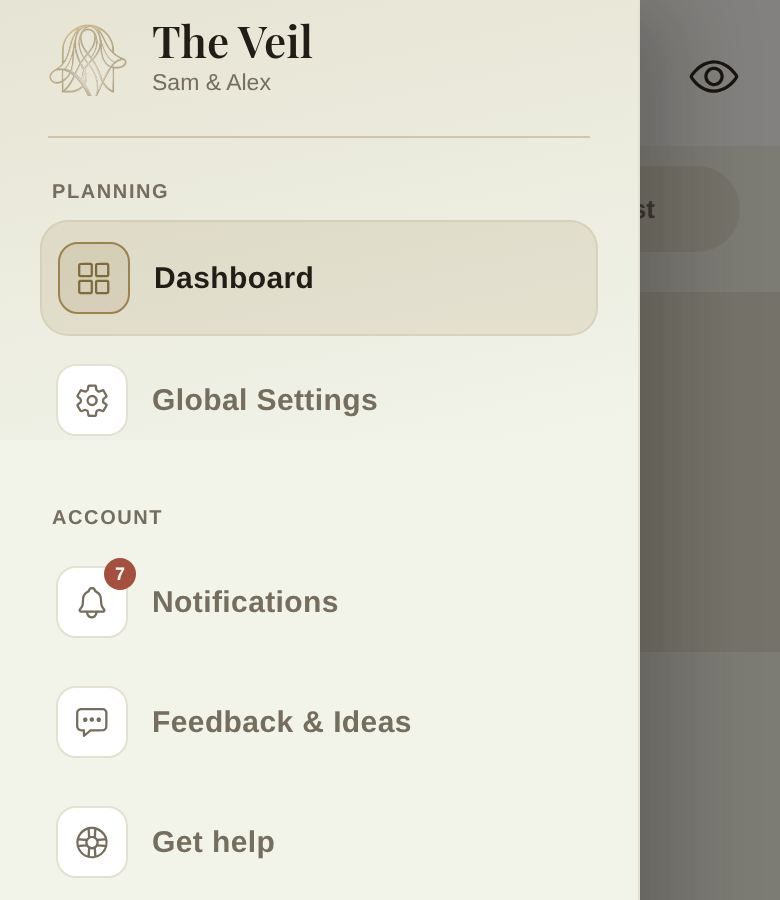
Open the ☰ menu at the top left of Home and tap Global Settings. The same menu has Notifications, Feedback & Ideas, Get help and Sign Out.
ACCOUNT
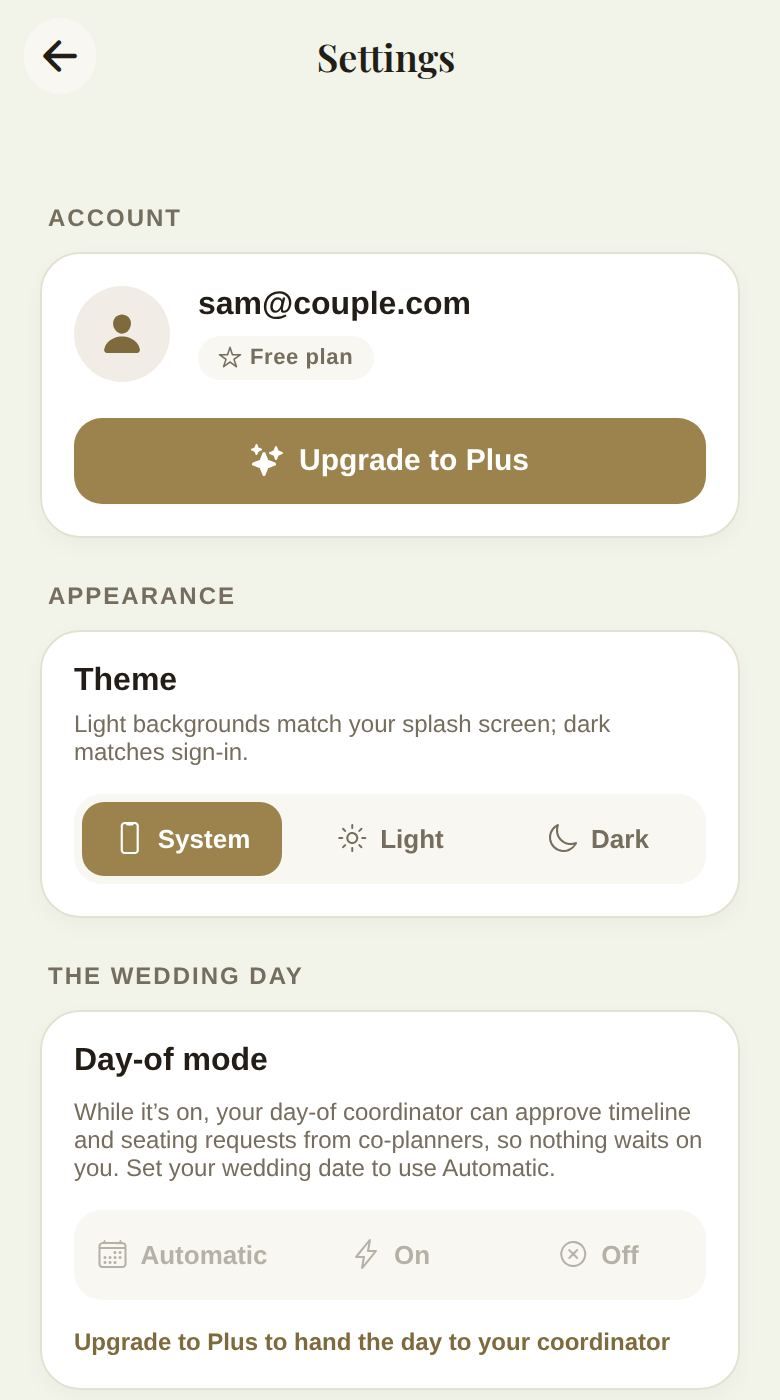
Your email and your plan: Free plan or The Veil Plus. On Free, Upgrade to Plus shows the plans. On Plus, you'll see how long it lasts and a button to manage it where you bought it: Manage subscription (card, invoices and cancelling), or Manage in App Store or Manage in Google Play. If you bought for the whole wedding, there's nothing to renew or cancel. More in Plus: plans and billing.
APPEARANCE
Theme: System follows your phone, or choose Light or Dark.
THE WEDDING DAY
Day-of mode (Plus), and afterwards What happened on the day. See Day-of mode. Only you and your partner see this section.
NOTIFICATIONS
The master Push notifications switch and one switch per type. See Notifications.
SECURITY
Two-factor authentication: Ask for a code from your phone at sign-in. Once it's on, you'll see Two-factor is on, New backup codes (which replace the ones you have) and Turn off two-factor. Keep your backup codes somewhere safe: they get you in if you lose your phone.
PRIVACY
- Social privacy: who can see your account, followers and liked posts in Discover.
- Blocked accounts: people who can't see or comment on your posts.
ABOUT & SUPPORT
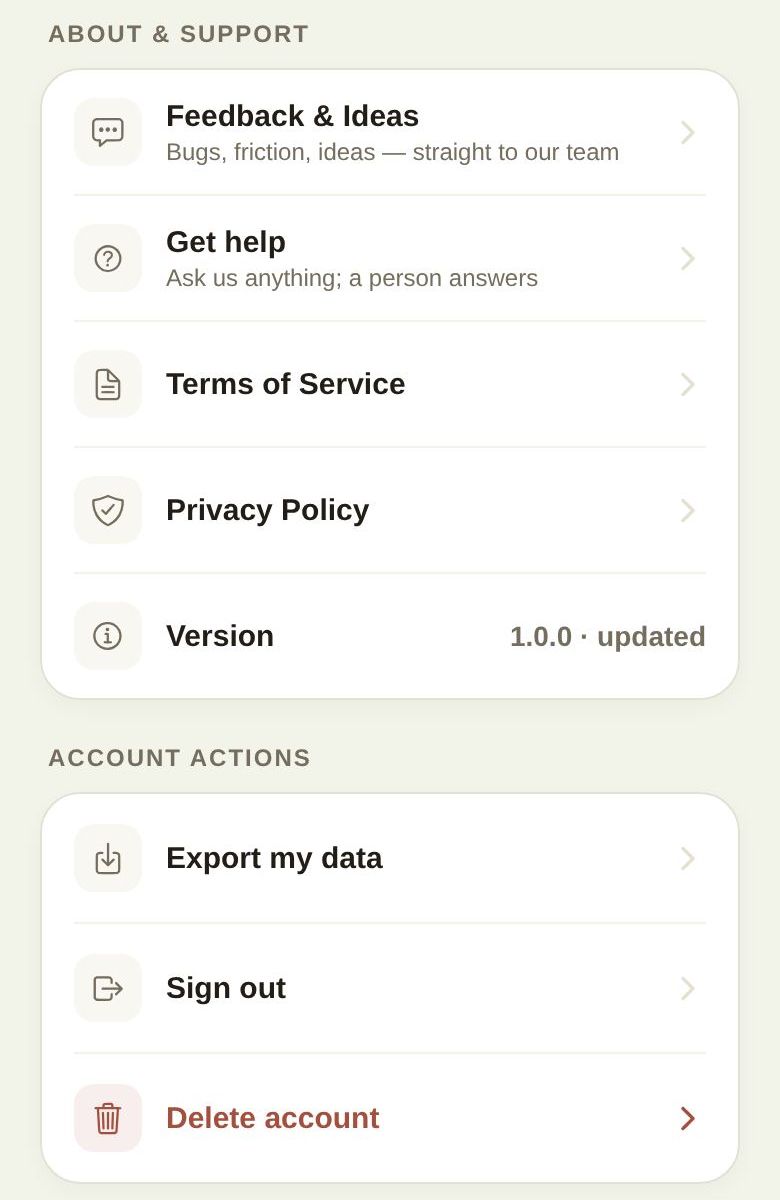
Feedback & Ideas, Get help, Terms of Service, Privacy Policy and your app Version. See Get help, or report a problem.
ACCOUNT ACTIONS
Export my data, Sign out and Delete account. See Export your data or delete your account.
Good to know
- Settings apply to your account, across every wedding you plan or attend.
- Helpers see Settings too, but not the day-of mode switch.
Did this answer it?
Updated September 30, 2026