Help · For couples · Account and help
Export your data or delete your account
Download a copy of everything in your account, or delete it for good.
Both are in the ☰ menu, Global Settings, under ACCOUNT ACTIONS.
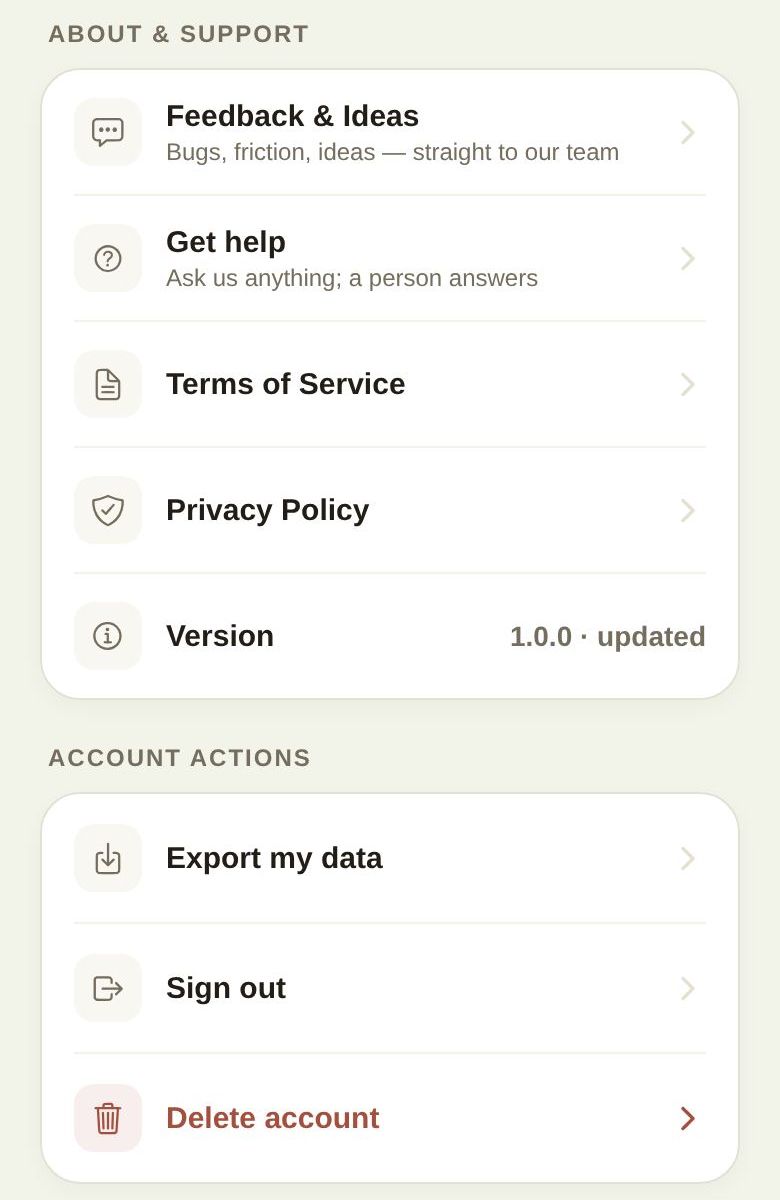
Export my data
Tap Export my data. We gather everything in your account into one file, named like the-veil-export-2026-09-28.json.
- On the web, it downloads.
- On a phone, the share sheet opens so you can save it to Files, email it or put it in Drive. If there's no share sheet, the app tells you where it saved the file.
If part of your data couldn't be read, you'll see Exported with gaps with how many records were saved; the file lists which sections are missing. Try again later for a complete copy.
The file is JSON, a standard format that can be opened in a text editor or read by other apps.
Delete account
Deleting your account can't be undone.
- Cancel any Plus subscription first (see below).
- Tap Delete account.
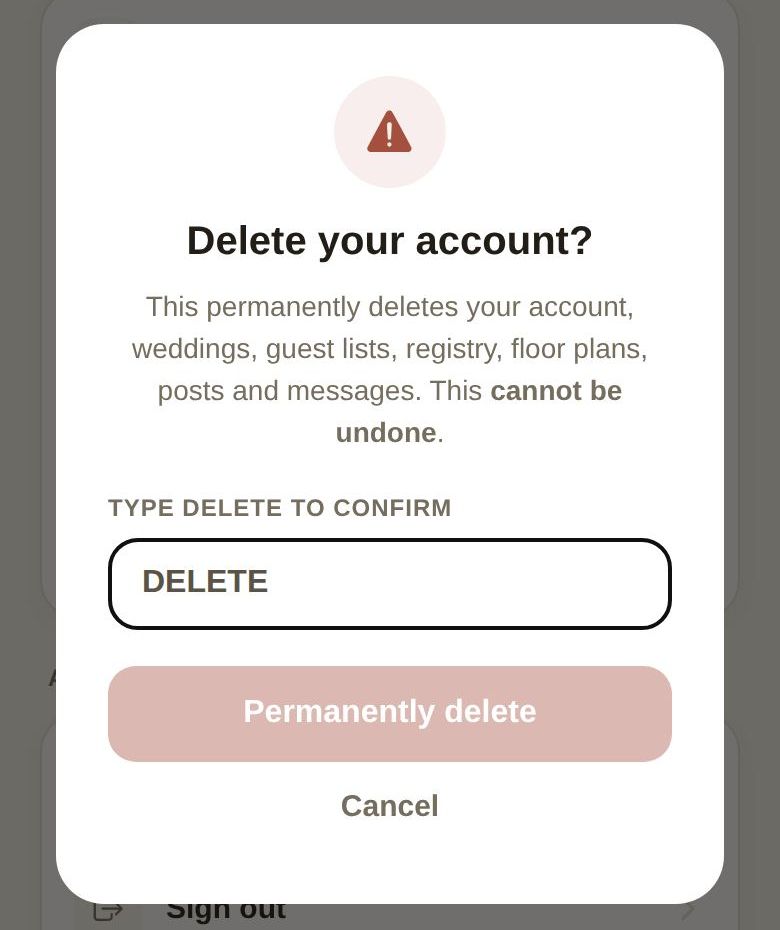
- Read Delete your account?: it permanently deletes your account, weddings, guest lists, registry, floor plans, posts and messages.
- Type DELETE under Type DELETE to confirm, then tap Permanently delete.
You're signed out straight away.
Cancel your subscription first
Deleting your account doesn't cancel a subscription bought through Apple or Google. Cancel it first in Global Settings with Manage in App Store or Manage in Google Play, or in your phone's subscription settings. For a subscription bought on the web, use Manage subscription.
Just one wedding?
To remove one wedding and keep your account, delete it from your wedding list instead. It goes to Trash, where you can restore it.
Good to know
- Your guests' invitation pages stop working when your wedding is deleted.
- Money you've paid vendors isn't refunded by deleting your account. Talk to your vendors about any bookings first.
- To ask what we hold about you, or for anything else about privacy, choose Privacy in Get help, or write to privacy@theveilwedding.com.
Did this answer it?
Updated September 30, 2026