Help · For couples · Your style and story
Wedding Vibe: your style, date and place
Set your style, colors and must-haves, change your date, guest estimate and location, and keep a moodboard.
Wedding Vibe holds the big-picture facts about your wedding: how it looks and feels, when it is, how big and where. Open it from the Wedding Vibe card under Core Systems on Home.
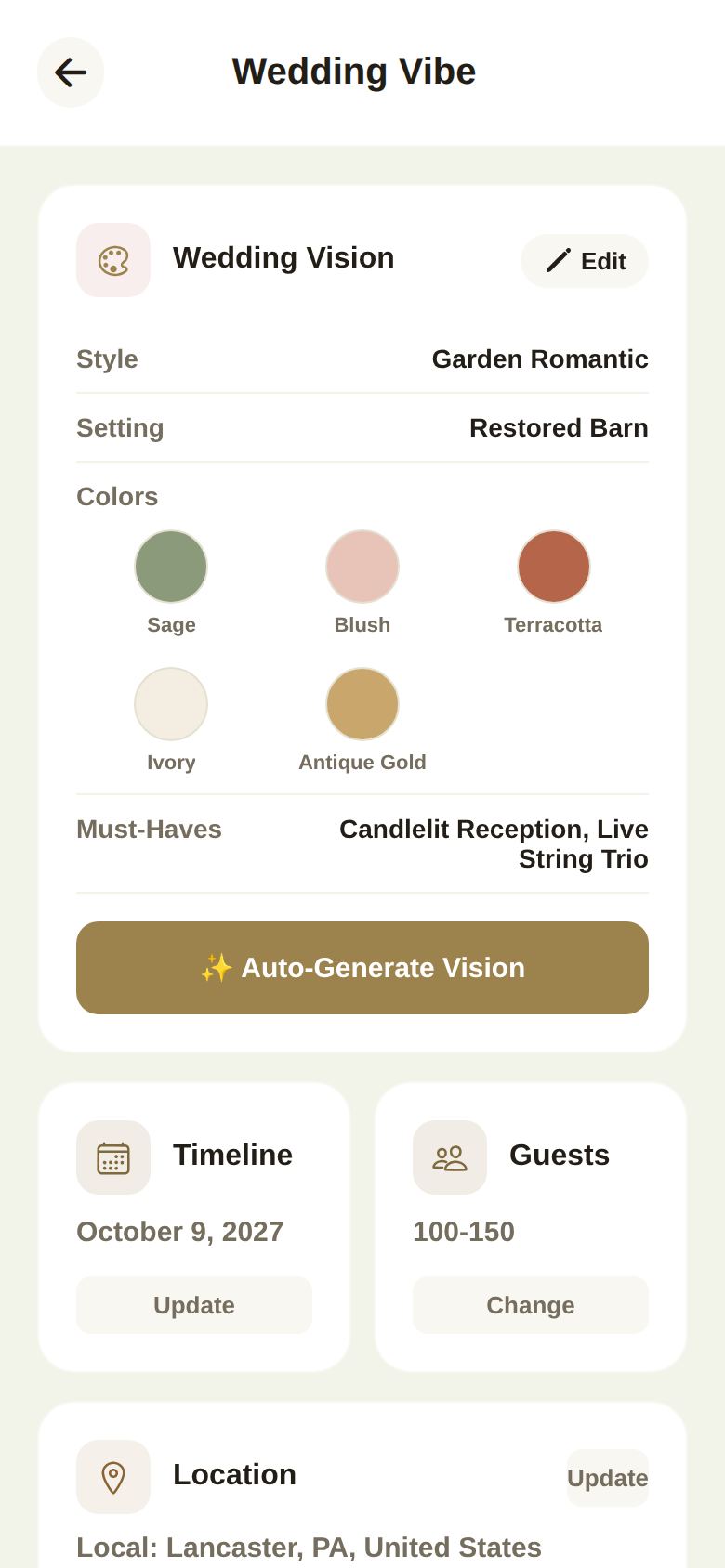
Your Wedding Vision
The first card shows your Style, Setting, Colors and Must-Haves.
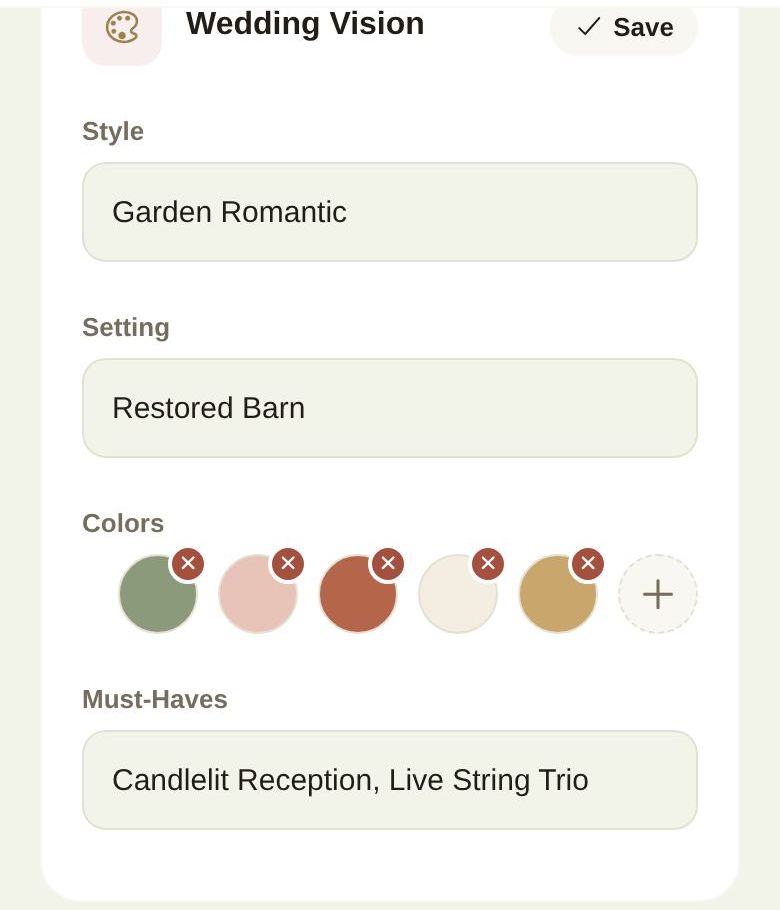
To change them, tap Edit:
- Type your Style (like "Garden Romantic") and Setting (like "Restored Barn").
- Under Colors, tap the small x on a color to remove it, or + to add one. Select a Color offers ready-made colors, or type a code under Or Enter Custom Hex.
- Type your Must-Haves, such as "Candlelit reception, live string trio".
- Tap Save.
Auto-Generate Vision
Tap Auto-Generate Vision and the AI proposes a style, setting, must-haves and a palette of five or six named colors (such as Sage, Blush and Antique Gold), each with a role: primary, secondary, accent, neutral and metallic. It uses your aesthetic notes, date, location, guest estimate and any style or setting you already have, and picks colors that suit the season where you're marrying. The names are the useful part: they're what you tell your florist, stationer and baker.
It replaces your current style, setting, colors and must-haves, so jot down anything you want to keep first.
Change your date
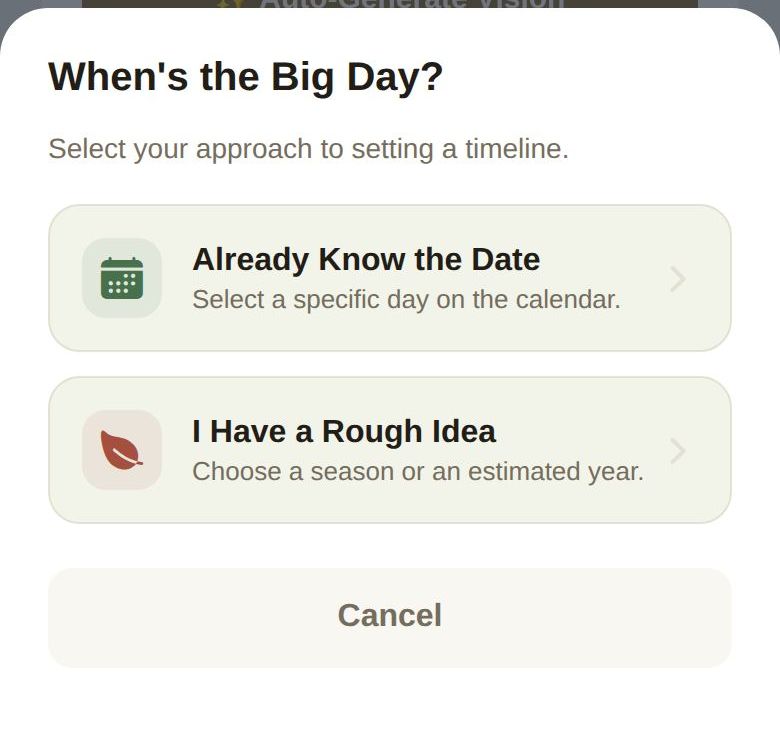
On the Timeline card, tap Update. You'll be asked When's the Big Day?
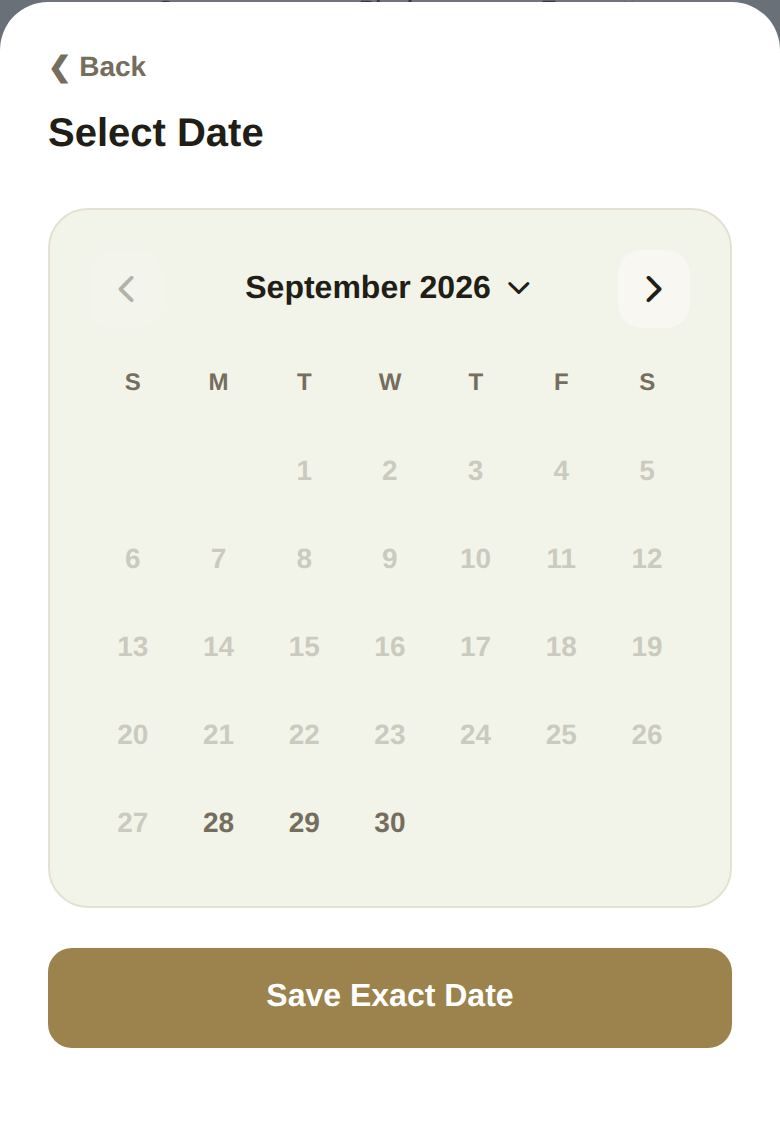
- Already Know the Date opens a calendar. Tap the month name to jump to a different month or year, tap your day, then Save Exact Date. The calendar covers today up to two years ahead.
- I Have a Rough Idea lets you pick a Target Year (or Undecided) and a Season / Month: Spring, Summer, Fall, Winter or Undecided. Tap Save Estimate.
Your date drives the countdown on Home, your checklist's due dates, new timeline events and your invitation. When it changes, your checklist moves with it. See A checklist that keeps up with you.
Guest estimate
On the Guests card, tap Change and pick 0-50, 50-100, 100-150 or Custom, then type an Exact count if you chose Custom. Tap Save Estimate. This is your early estimate; your real numbers come from your guest list.
Location
On the Location card, tap Update. Choose a Location Type (Local, Destination, Outdoor or Indoor, the same choices as setup) and type the City, State / Region and Country. Tap Save Location. Your city shows on your wedding card and invitation, and is used when you search for vendors.
Aesthetic Notes and Moodboard
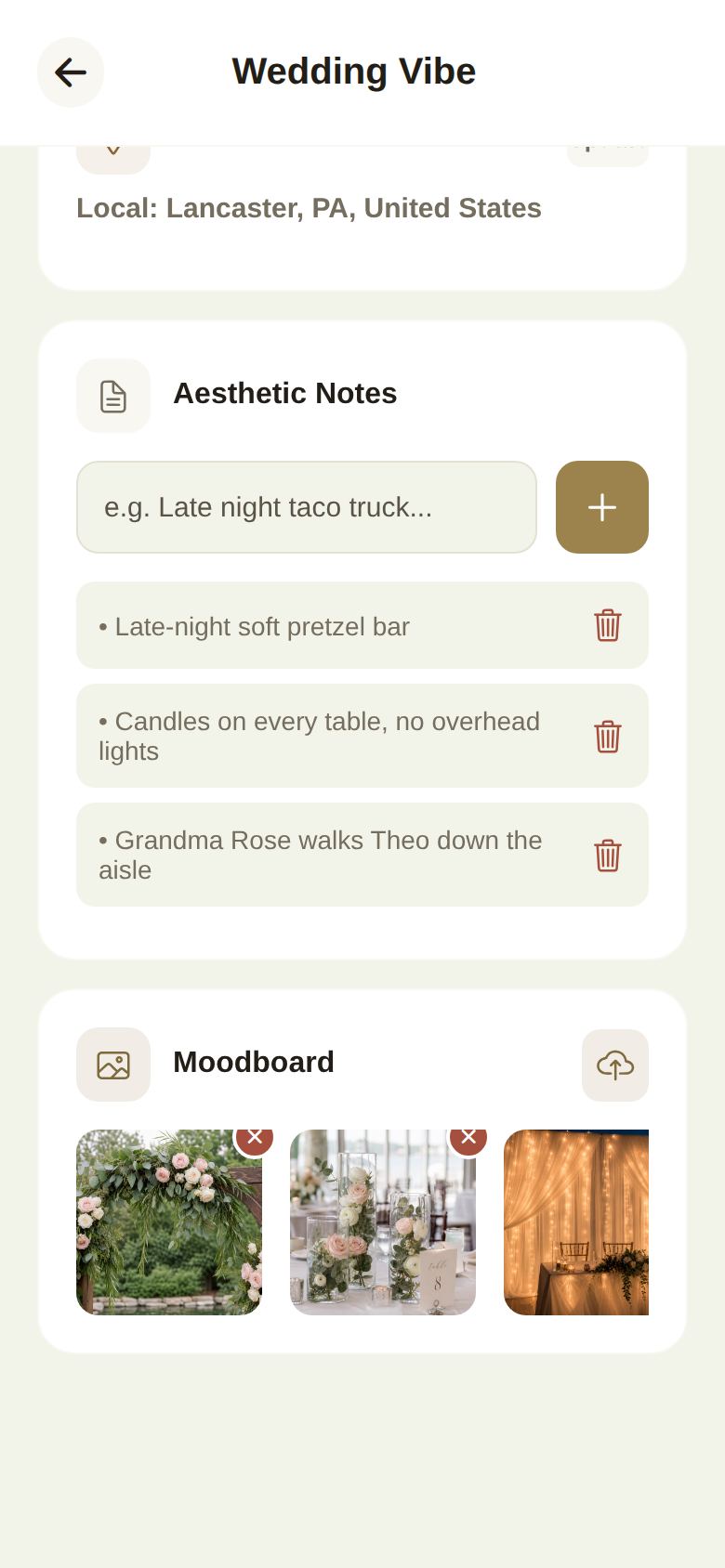
- Aesthetic Notes are quick ideas, like "Late-night soft pretzel bar". Type one and tap +. Tap the trash icon to remove it. The AI reads these when it generates your vision.
- Moodboard holds pictures that capture the feel. Tap the upload icon to add one from your photos; tap the x on a picture to remove it.
Working with helpers
Co-planners with Wedding Vibe access can make changes, which reach you as a request: they tap Send Request, and see Pending host approval until you review it.
Good to know
- Wedding Vibe saves as you go.
- Each alternate build has its own Wedding Vibe. See Plan more than one version of your wedding.
Did this answer it?
Updated September 30, 2026