Help · For couples · Music
Music, the AI DJ and song requests
Plan every musical moment, let the AI DJ suggest songs, collect guests' requests and hand it all to your DJ.
Music & AI DJ on Home is where you plan the soundtrack of your day, section by section, from the prelude to the last dance, plus a list of songs your DJ must never play. The screen with your lists is called Soundtrack.
The first time you open it
You'll meet Curator, your AI wedding DJ, with three choices:
- Connect Spotify: the curator reads your top artists and the genres behind them to suggest songs.
- Skip for now: answer a few questions about your taste instead.
- I'll pick every song myself: go straight to your lists and add songs by hand.
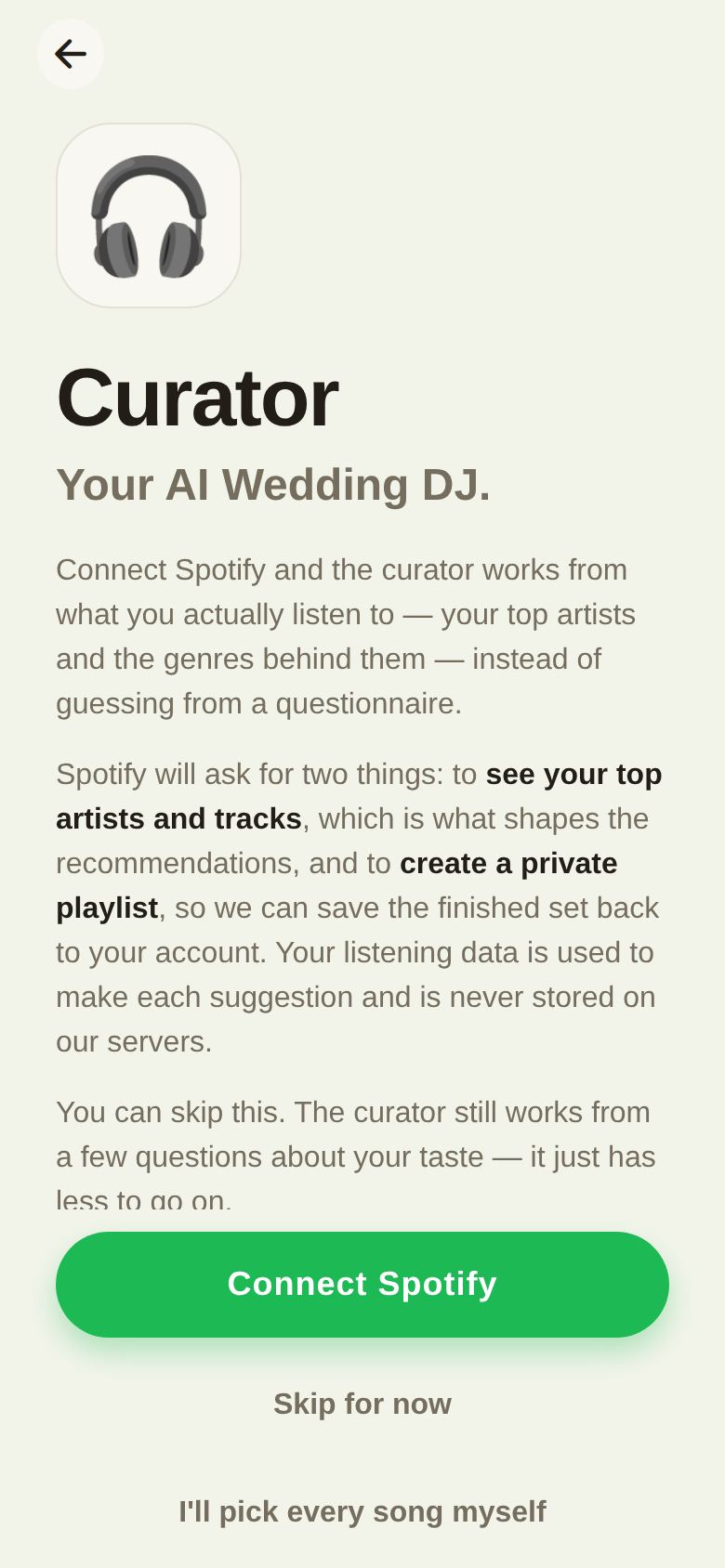
See The AI DJ (Curator) for how suggestions work.
Your Soundtrack
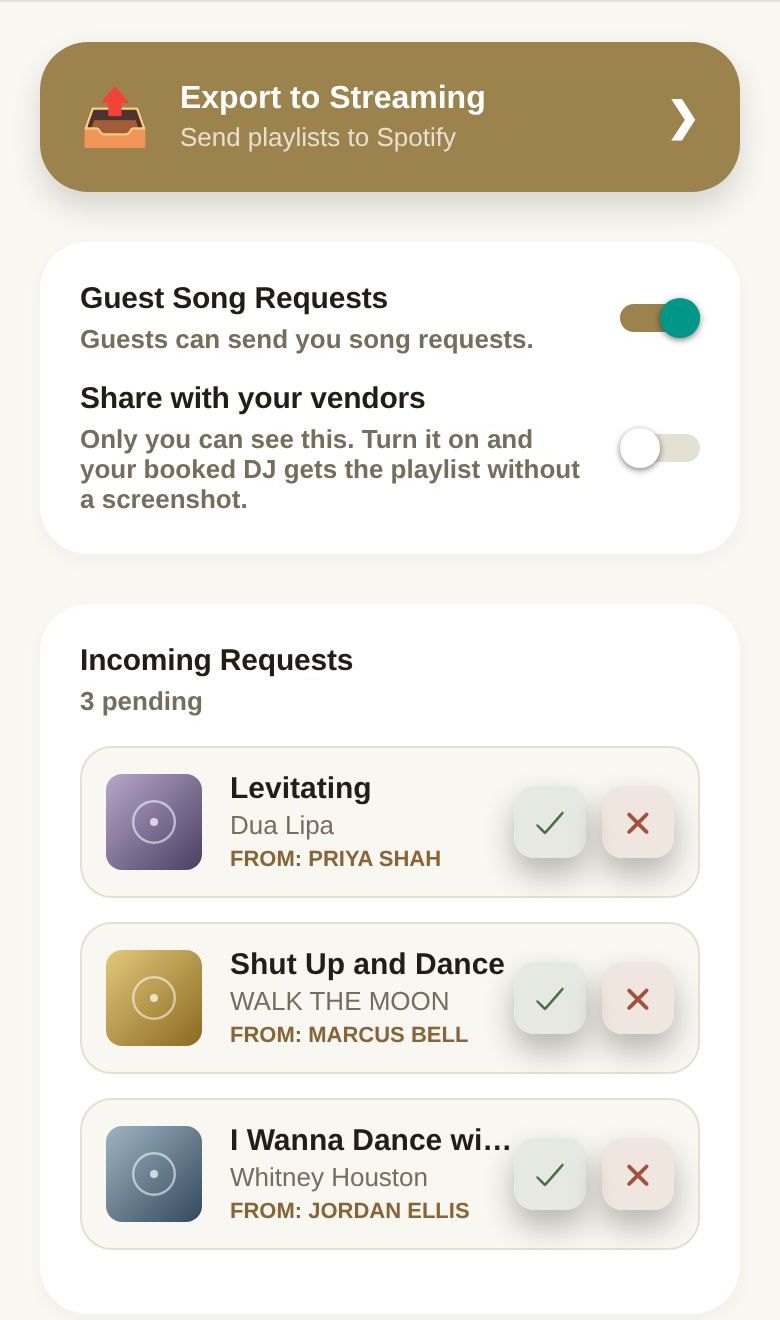
From the top:
- Export to Streaming: send your lists to Spotify as playlists (Plus). See Export your playlists to Spotify.
- Guest Song Requests: open or close requests from guests. See Guest song requests.
- Share with your vendors: give your booked DJ your lists. See Share your music with your DJ.
- Incoming Requests: songs guests asked for, waiting for your answer.
- Then every section of the day, each with Search and AI Curate. See Build your playlist.
Free and Plus
Free:
- Every section, adding songs by search, reordering and removing them.
- The Do Not Play list.
- Sharing with your DJ.
- One full run of the AI DJ.
Plus:
- The AI DJ as often as you like, including AI Curate on a single section.
- Export to Spotify.
Good to know
- A co-planner with music access sends their changes to you with Send Request.
- Your lists are saved as you go.
Did this answer it?
Updated September 30, 2026