Help · For couples · Music
Export your playlists to Spotify
Send each section of your day to Spotify as its own playlist. A Plus feature.
With Plus you can turn your Soundtrack into Spotify playlists, one for each section of the day, to listen to, share, or hand to whoever runs the music.
Export
- On your Soundtrack, tap Export to Streaming.
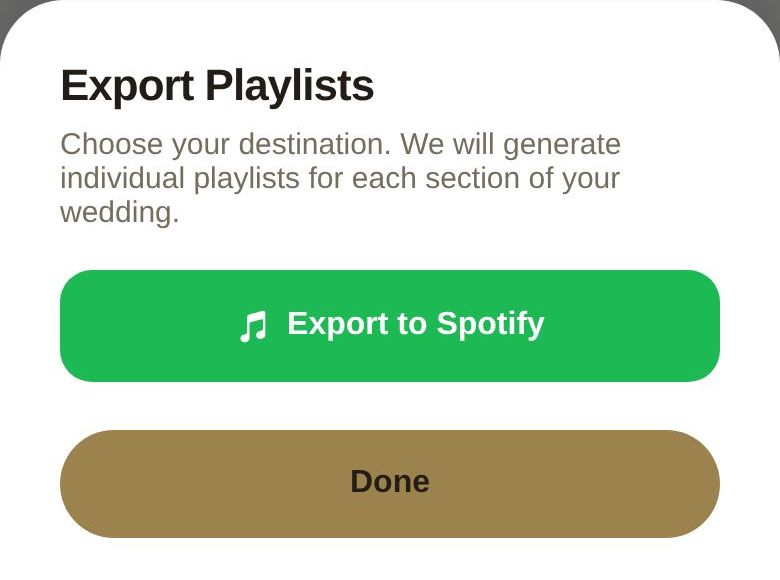
- Export Playlists opens. Tap Export to Spotify.
- If you haven't connected Spotify yet, Spotify asks you to sign in first.
- We create a playlist for each section and add its songs. When it's done, check your Spotify library.
Each playlist is named after the section, for example "The Veil: First Dance", with your name in front when we have it.
On the free plan
Export to Spotify opens the upgrade screen. Everything else about your lists stays free.
Good to know
- Export again after changing your lists to create fresh playlists.
- If Spotify rejects the export, sign in to Spotify again and retry; tokens expire after a while.
Did this answer it?
Updated September 30, 2026