Help · For couples · Music
The AI DJ (Curator)
Let the curator suggest songs for each moment, from your Spotify taste or a few questions, and keep or pass on each one.
The curator suggests songs for every section of your day, one at a time. You keep the ones you love and pass on the rest.
Connect Spotify, or answer a few questions
On the Curator screen:
- Connect Spotify: Spotify asks for two things, to see your top artists and tracks (which shapes the suggestions) and to create a private playlist (so the finished set can be saved to your account). Your listening data is used to make each suggestion and is never stored on our servers.
- Skip for now: the curator works from a few questions instead.
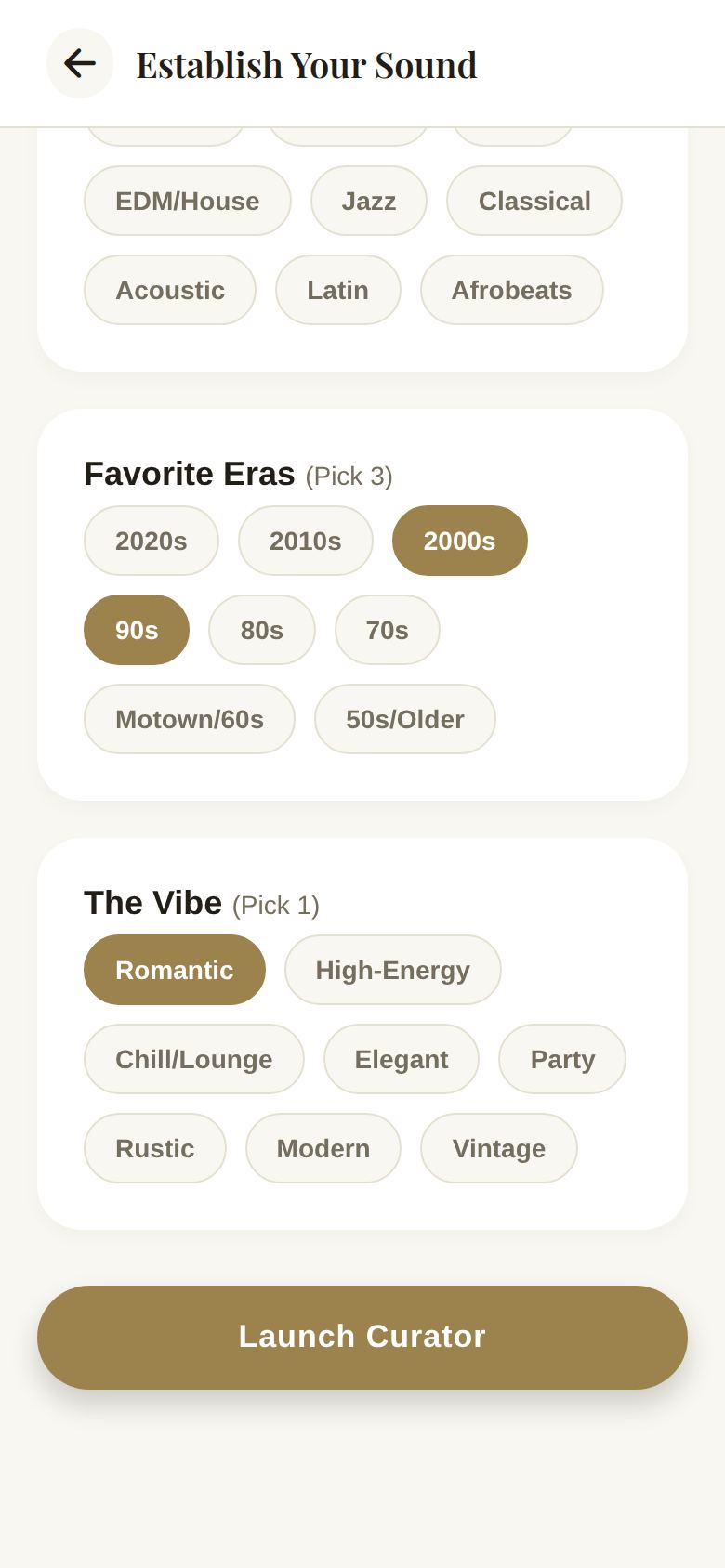
Establish Your Sound
If you skip Spotify, or want to steer it, you'll answer:
- Must-Have Artists: who absolutely needs to be on your playlist.
- Top Genres (Pick 3): Pop, R&B, Hip-Hop, Country, Indie/Alt, Rock, EDM/House, Jazz, Classical, Acoustic, Latin, Afrobeats.
- Favorite Eras (Pick 3): 2020s back to 50s/Older.
- The Vibe (Pick 1): Romantic, High-Energy, Chill/Lounge, Elegant, Party, Rustic, Modern or Vintage.
Launch Curator is ready once you've picked at least one genre and a vibe.
Keep or pass
The curator goes section by section, with a counter like SECTION 1 OF 13 at the top. For each song:
- Tap the check, or swipe right, to keep it in this section.
- Tap the X, or swipe left, to pass. Songs you pass on aren't suggested again.
- Tap the arrows to move it into a different section.
- Tap play to hear a preview, when one is available.
- Skip moves on to the next section.
Add Guidance lets you steer the current section in your own words, for example "Slow and classic, something our grandparents would know". Tap Apply and the next suggestions follow it. Your guidance shows under the section on your Soundtrack.
Free and Plus
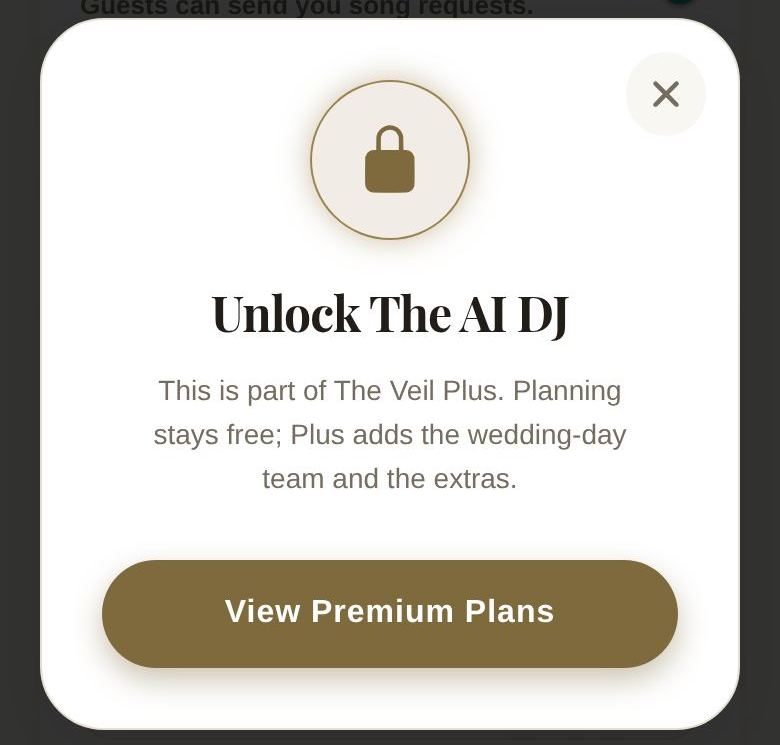
Your first full run of the curator is free. After that, running it again, and AI Curate on a single section, need Plus. On the free plan those buttons open the upgrade screen.
Good to know
- You can always add songs yourself with Search, on any plan. See Build your playlist.
- Each section has a rough target, like about 12 songs for the prelude, so you know when it's full enough.
Did this answer it?
Updated September 30, 2026